
A reader messaged me last week asking which transcription tool I actually recommend.
She specifically asked about Otter AI since thats the name most people already know.
I told her I would test both properly before giving her a real answer instead of just guessing.
So I spent a few days running the same recordings through AudioToTextify and Otter AI side by side.
Here is exactly what I found, and why I ended up recommending one over the other for most people.
Why I Even Compared These Two
Otter AI is probably the most well known name in this space.
A lot of people default to it without checking what else is out there.
I wanted to see if a simpler tool like AudioToTextify could actually keep up, or if Otter's reputation was fully deserved.
We assume the most popular option is automatically the best one. That isnt always true once you actually test things side by side.
AudioToTextify vs Otter AI Comparison At A Glance
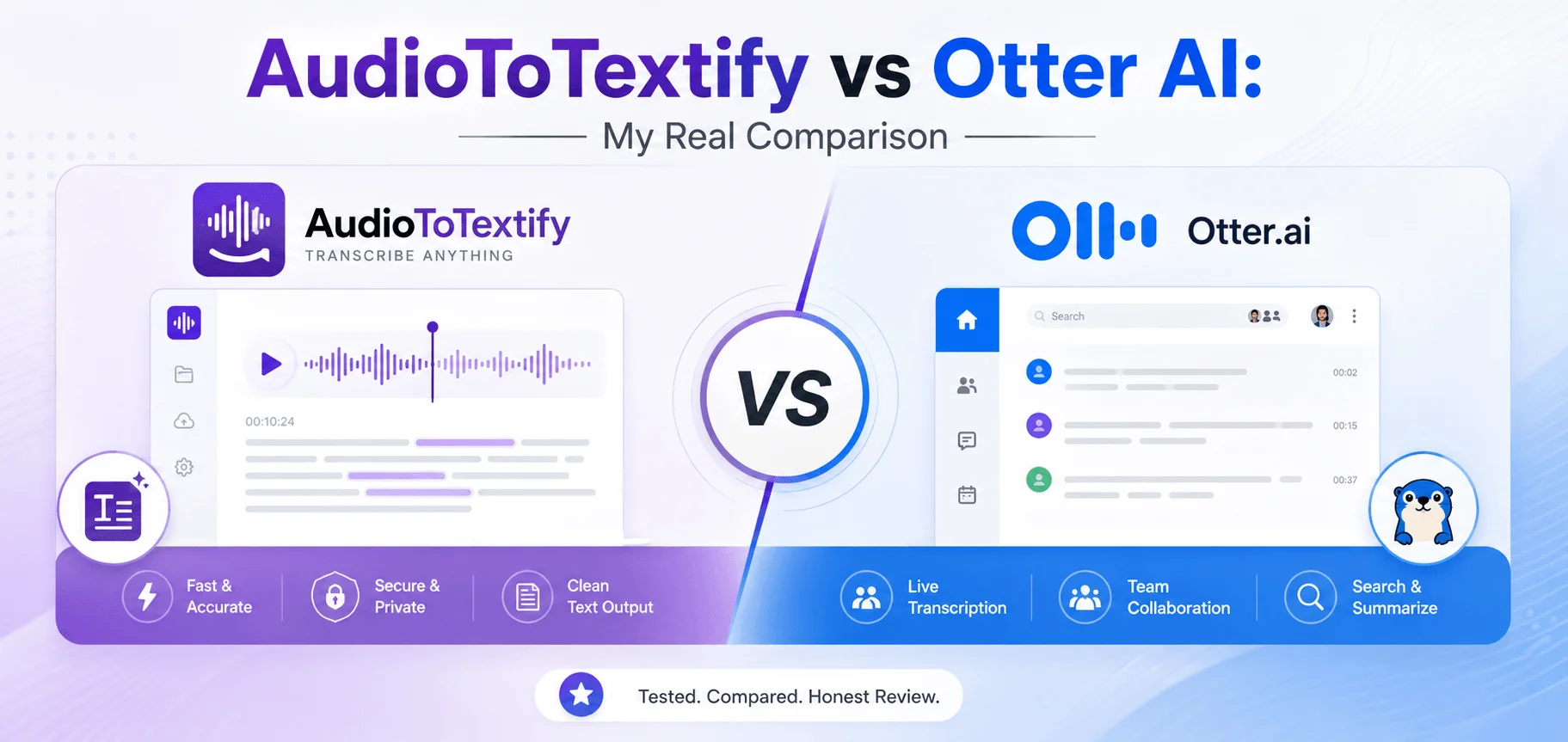
Once I finished testing, I put together a simple table comparing what actually matters most.
What You Care About | AudioToTextify | Otter AI |
|---|---|---|
Signup required | No | Yes |
Free plan limits | No monthly cap | 300 minutes per month, 30 minutes per call |
File imports on free plan | Unlimited | 3 lifetime imports only |
Accuracy | 99% average | Strong, but noticeably lower on non native accents |
Languages supported | 15+ | English, French, and Spanish only |
Software needed | None, browser based | Account and app or browser |
Best suited for | Uploading recordings for a text transcript | Live meeting bots joining Zoom, Teams, or Meet |
Paid plans | None, fully free | Starts at $16.99 per month |
Seeing it all laid out like this made the differences way clearer than reading through separate reviews of each one.
My First Test Upload With AudioToTextify
I uploaded a thirty minute interview recording straight to AudioToTextify.
No account creation. No email needed. Just dropped the file in and waited.
Got a full transcript back in about four minutes, with speakers labeled separately and timestamps on each line.
I sat there kind of surprised at how little friction there was to get a finished result.
AudioToTextify Review Based On My Actual Testing
The accuracy impressed me the most out of everything I tested.
It handled background noise from a coffee shop recording without falling apart.
It picked up two different speakers cleanly and kept their lines properly separated the whole way through.
Exporting into a Word document took one click once I finished reviewing the transcript.
We dont always expect a free tool to work this smoothly, but this one did every single time I tested it.
My First Test With Otter AI
Otter required creating an account before I could even start.
I uploaded the same thirty minute interview file.
It transcribed fine, but I immediately noticed the free plan only allows three file imports total, not per month.
That means most people burn through their free file uploads within their very first week of testing it out.
Otter AI Review Based On My Actual Testing
Otter is actually solid at live meeting transcription specifically.
It joins Zoom, Teams, and Google Meet calls automatically and transcribes them in real time, which is a feature AudioToTextify doesnt try to compete with at all.
But for simply uploading a recording and getting text back, the limits felt restrictive fast.
The free plan caps you at 300 minutes a month with a 30 minute limit per single conversation, so longer recordings get cut off mid transcript.
We expect free plans to have some limits, but these ones pushed me toward the paid plan faster than I expected.
Otter AI Alternative Options Worth Knowing About
Otter isnt the only established name in this space, but a lot of people default to it out of habit.
If your main need is uploading files for a plain text transcript instead of live meeting bots, an Otter AI alternative like AudioToTextify covers that exact use case without any of the file import restrictions.
We dont always need every feature a big name tool offers. Sometimes the simpler option fits better.
AudioToTextify Alternative To Otter AI For File Based Work
This distinction matters more than people realize going into this.
Otter is built around meetings. Bots joining calls. Real time capture during a live conversation.
AudioToTextify is built around files. Upload something you already recorded and get text back fast.
If you mostly deal with existing recordings rather than live calls, AudioToTextify fits that workflow way more directly.
Best AI Transcription Tool Depends On What You Actually Need
I dont think theres one single best AI transcription tool for everyone.
If you run back to back meetings and want a bot automatically joining your calls, Otter really handles that well, especially on their paid plans.
If you just need to upload recordings and get clean, accurate text without paying anything or creating an account, AudioToTextify handled that better in my testing.
We should pick tools based on our actual workflow instead of just going with whatever name is most recognizable.
AI Transcription Software And Language Support
This was one of the biggest gaps I found during testing.
Otter only supports English, French, and Spanish.
AudioToTextify supports over fifteen languages including German, Portuguese, Italian, Hindi, Arabic, Japanese, and more.
If you record in anything outside those three Otter supports, it simply wont work for you at all.
We assumed a well known tool would cover more languages by default. That assumption turned out wrong here.
Audio Transcription Software Pricing Comparison
Cost ended up being a big factor in my final recommendation.
Otter's paid plans start at $16.99 a month, or a bit less if you pay annually.
AudioToTextify is completely free, with no paid tier at all right now.
For casual users, students, or anyone who just needs occasional transcripts, that price difference adds up fast over a year.
Speech To Text Software For Casual Versus Heavy Users
If you transcribe constantly for a business running back to back calls every day, Otter's meeting features and integrations actually add value worth paying for.
If you transcribe occasionally, like students, journalists, or content creators uploading recordings here and there, AudioToTextify covers that without ever hitting a paywall or a file limit.
I tested both from a casual user's perspective specifically, since thats how most readers here actually use these tools.
AI Meeting Transcription Versus File Upload Transcription
This is really the core difference between these two tools.
Otter shines specifically for live meeting capture with its bot joining calls automatically.
AudioToTextify shines for taking a file you already have and turning it into text fast, without any of the account or import restrictions.
Neither one is objectively better across the board. They are just built for different situations.
AI Transcription Software And File Size Limits
I wanted to test this with a longer file too, not just a thirty minute interview.
I uploaded a full ninety minute recording to both tools to see how they handled something longer.
AudioToTextify accepted it without any issue since it supports files up to 2 GB.
Otter's free plan capped me out immediately since a single conversation is limited to 30 minutes on that tier.
I would have needed to upgrade to Pro just to transcribe that one longer file completely.
Testing Accuracy On A Noisy Recording
I specifically wanted to stress test both tools with a messier recording.
I used a voice memo recorded in a busy cafe with background chatter and clinking cups.
AudioToTextify handled it surprisingly well, catching most of the conversation clearly despite the noise.
Otter also did a decent job, though I noticed a few more missed words in sections where background noise picked up.
Neither tool is flawless with noisy audio, but AudioToTextify edged ahead slightly in this specific test.
Export Options And What I Actually Needed
Exporting mattered more to me than I expected going into this.
AudioToTextify let me export as TXT, DOCX, or SRT, all with one click after reviewing the transcript in browser.
Otter offered similar export formats, but some of the more advanced export options were locked behind the paid plans.
For anyone just needing a basic text or subtitle file, both handle the essentials, but AudioToTextify didnt gate any of it behind a paywall.
Privacy And What Happens To Your Files
This is something I almost forgot to check until a reader asked about it directly.
AudioToTextify encrypts files during upload and processing, then deletes the source audio once the transcript is ready. No account means no personal data sitting on their servers either.
Otter requires an account, which means your data is tied to a profile stored on their platform long term.
If privacy is a bigger concern for you than convenience, that difference is worth knowing about upfront.
I personally lean toward tools that dont require an account for something this simple, but that preference wont matter to everyone the same way.
Who Otter AI Actually Makes Sense For
I dont want this to sound like Otter is a bad tool, because it isnt.
If you run a sales team or a business doing back to back client calls every day, the meeting bot feature alone can save serious time.
Its built specifically for that workflow, and it does that job well based on what I saw during testing.
The catch is just that this specific strength doesnt matter if your main need is simply uploading recordings you already have.
What I Would Actually Recommend
If your main need is transcribing meetings in real time with a bot joining your calls, Otter's paid plans make sense for that specific job.
For almost everyone else, especially students, podcasters, journalists, and anyone transcribing existing recordings, I ended up recommending AudioToTextify to the reader who first asked me about this.
No signup, no file limits, and support for way more languages made it the clear pick for casual and regular file based transcription.
FAQs
Is AudioToTextify actually free compared to Otter AI?
Yes. AudioToTextify has no paid tier, while Otter's paid plans start at $16.99 per month.
Does AudioToTextify require an account like Otter AI does?
No. AudioToTextify works without any signup, while Otter requires creating an account first.
Which tool supports more languages?
AudioToTextify supports 15+ languages, while Otter only supports English, French, and Spanish.
Is Otter AI better for live meetings?
Yes. Otter's meeting bot feature for Zoom, Teams, and Meet is stronger for live call transcription specifically.
Which tool is better for uploading existing recordings?
AudioToTextify handled file uploads better in my testing, with no import limits on the free plan.
Final Thoughts
I went into this comparison expecting Otter to win just because of how well known it is.
That isnt exactly what happened once I actually tested both tools properly.
Otter earns its reputation for live meeting transcription specifically. Thats where it really shines.
But for regular file based transcription without paying anything or creating an account, AudioToTextify handled the exact same recordings just as accurately, without any of the restrictions I ran into on Otter's free plan.
We shouldnt assume the most recognizable name is automatically the right fit. Test based on what you actually need, not just what everyone else already uses.
Read more: Spanish Audio To Text: How I Save My Family's Stories