A standard operating procedure template is a pre-formatted document that structures how a task should be completed — typically including a title, scope, roles, numbered steps, and a revision log. Teams use it to cut training time, reduce errors, and keep work consistent even when the person doing it changes. Done right, it's the difference between "ask Sarah, she's the only one who knows how" and a process anyone on the team can run.
Here's an uncomfortable truth I've learned the hard way, though: most standard operating procedure templates never get opened after week one.
They get built. They get "approved." Then they get buried in a folder nobody checks.
I want to fix that for you today. By the end of this guide, you'll know exactly how to build an SOP template that people actually follow — not one that just looks pretty in a shared drive.
Let's get into it.
Why Most SOP Templates Fail (And It's Not the Template's Fault)
Bad SOPs don't fail because the writer used the wrong font. They fail because nobody thought about the reader first.
This isn't a small problem, either. Companies that standardize their processes can reduce errors by up to 90% — but only when the process is clear and easy to follow. The gap between "we have an SOP" and "people actually use it" is where most of that potential improvement disappears.
I see this constantly: someone writes a process documentation doc assuming the reader already knows half the steps. Then a new hire follows it, gets confused at step 4, and just... improvises.
HubSpot's SOP guide nails the fix — write for the least experienced qualified person on your team, not the expert who already knows the shortcuts.
That one mindset shift changes everything about how you write.
What a Good SOP Template Actually Needs
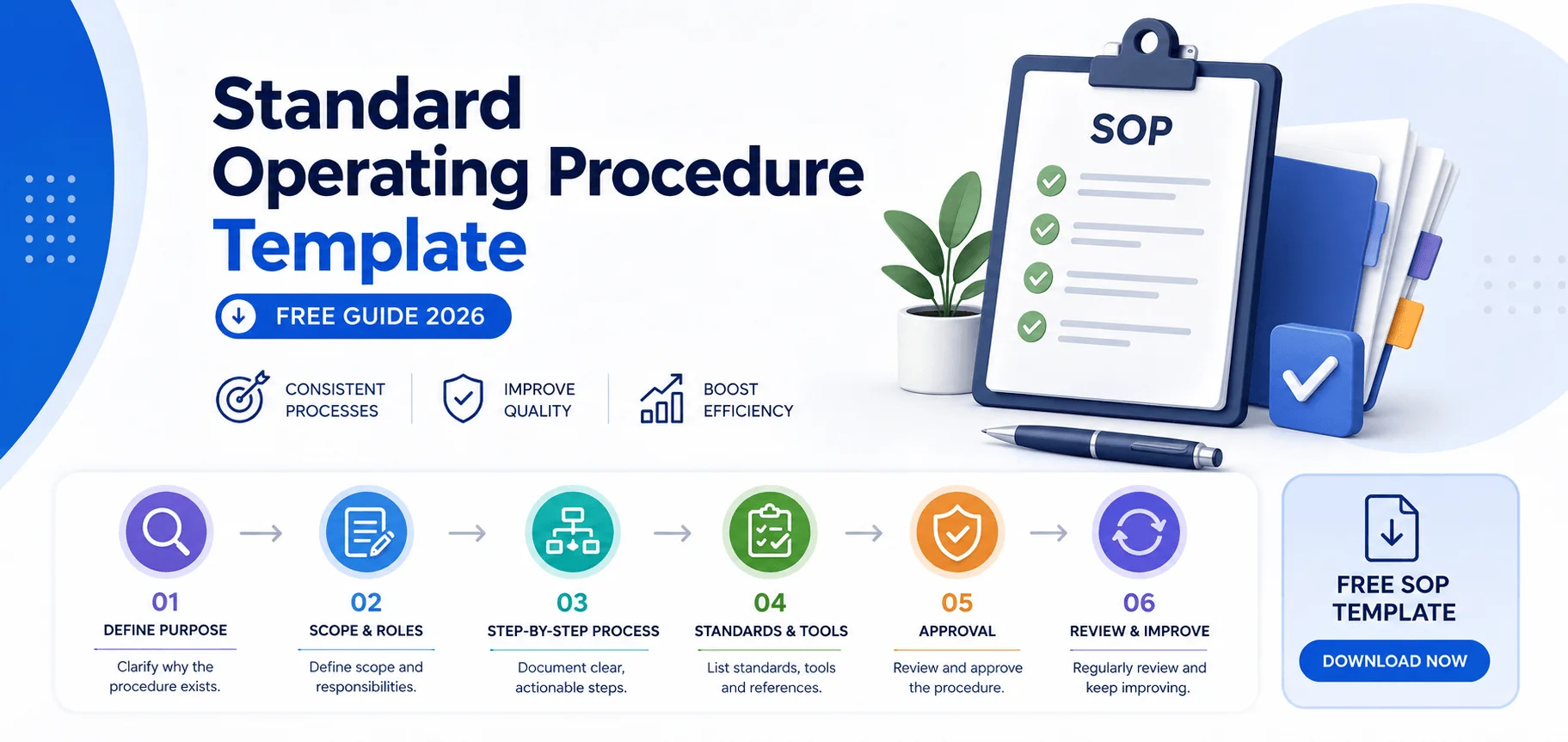
You don't need to reinvent the wheel here. But you do need six things, every single time:
Title and purpose — what this procedure covers, in one sentence
Scope — where it starts, where it ends
Roles and responsibilities — who owns each step
Step-by-step instructions — one action per step, no exceptions
Safety or quality requirements — anything that could go wrong if skipped
Revision history — because an outdated SOP is worse than none at all
MaintainX breaks this down really well if you want the manufacturing/maintenance version of this list.
Miss even one of these, and you'll get the "wait, who's supposed to do this?" message in Slack. Every. Single. Time.
The 4 SOP Formats — Pick the Right One (This Is the Part Everyone Skips)
This is where most guides drop the ball. They hand you a template and call it a day. But the format you choose matters just as much as the content.
Here's a quick breakdown so you can pick the right one in under a minute:
Format | Best For | Example Use Case | Where to Learn It |
|---|---|---|---|
Step-by-step | Routine, linear tasks | Opening the store, daily backups | MaintainX |
Hierarchical SOP | Multi-role, multi-phase work | Onboarding, cross-department approvals | Scribe |
Flowchart SOP | Decision-heavy processes | Troubleshooting, escalations | Scribe |
Hybrid | Complex, real-world procedures | Incident response, quality checks | CheckFlow |
Step-by-Step Format
Best for routine, linear tasks. You list actions in order. Simple, no decisions required.
Hierarchical SOP Format
A hierarchical SOP breaks a big task into main steps, then nests sub-steps underneath each one. Think multi-department approvals, onboarding, or anything with several moving parts.
Flowchart SOP
If your process has decision points — "if this, then that" — a flowchart SOP is non-negotiable. Troubleshooting guides, escalation paths, and complaint handling all need this branching logic.
Hybrid Format
Honestly? Most real-world procedures end up here. A hierarchical structure with an embedded decision flowchart for the messy parts, plus a checklist for final sign-off. CheckFlow's guide calls this the "most practical structure" for complex work — and I agree completely.
Step-by-Step: How to Build Your SOP Template Today
Alright, let's make this actionable. Here's exactly what I'd do, in order:
Step 1: Interview the person who actually does the work.
Not the manager. The practitioner. Managers describe how a process should work. The person doing it daily knows how it actually works. Record that conversation and run it through an audio-to-text tool afterward — you'll capture details you'd otherwise forget by the time you sit down to write the SOP.
Step 2: Define the start and end point.
Vague scope is the #1 killer of good SOPs. Get specific about where this procedure begins and where it hands off to something else.
Step 3: Write each step as one action.
"Navigate to Settings → User Management → Add User." Not "the user should be set up in the system."
Step 4: Add decision points where they exist.
Don't force a linear checklist onto a process that branches. That's how you end up with confused employees improvising.
Step 5: Assign an owner to sign-off steps.
Accountability isn't optional — Confluence's template does a great job showing how to build this in.
Step 6: Test it with someone unfamiliar with the process.
If they get stuck, your SOP has a gap. Fix it before you publish.
The Tools That Make This Stupid Simple
Look, you can build all of this in a blank Word doc. I've done it. It's painful.
A good SOP software platform does the structural heavy lifting for you, so you can focus on documenting the actual process instead of fighting with formatting.
If you're managing recurring, multi-department procedures, monday.com's SOP tools let you version-control and automate the whole workflow instead of chasing down the "latest" copy in someone's inbox.
If document control and audit trails matter to you — say you're working toward ISO 9001 compliance — you genuinely need software that tracks version history and approval workflows automatically. Trying to do this manually in a shared folder is how companies fail audits.
I'll be blunt: if your team is still passing around a static PDF and hoping people notice when it changes, you're one outdated step away from a costly mistake. A dedicated tool pays for itself the first time it prevents that.
Common Mistakes to Avoid
Switching terminology mid-document. If it's a "client record" in step 3, it's a "client record" in step 9.
Skipping the review cycle. Build it into your calendar before you publish, not after something breaks.
Storing it somewhere nobody looks. The best SOP is the one your team finds in 30 seconds.
Writing for the expert, not the beginner. I said it once, but it's worth repeating.
Writing 40-page procedures. A long SOP isn't rigor — it's a document nobody will open mid-task. Cover the steps that matter most, and keep it to a page or two wherever you can.
FAQ
How long should an SOP be?
As long as it needs to be to eliminate guesswork — no longer. A five-step task needs five steps, not fifteen. Most effective SOPs run one to three pages, focused on the steps that actually determine the outcome, with detailed checklists reserved only for the few steps where mistakes are costly.
What's the difference between an SOP and a work instruction?
An SOP covers an entire process end-to-end, including its scope, ownership, and decision points. A work instruction covers one single task within that broader process, usually at a more granular, hands-on level. Think of the SOP as the roadmap and the work instruction as directions for one leg of the trip.
Do I need different formats for different SOPs?
Yes. Match the format to the complexity of the work — a checklist for routine tasks, a hierarchical format for multi-role processes, and a flowchart for anything with real decision points. Forcing every process into the same linear format is one of the most common reasons SOPs get ignored.
Why don't employees follow SOPs even when they exist?
Usually it's not defiance — it's a document that doesn't match how the work actually happens, wasn't trained on properly, or is too long to reference mid-task. Involving the actual practitioner in writing the SOP, and keeping it short and specific, fixes most of this.
Is there a free SOP template I can start with?
Yes — HubSpot, monday.com, and Smartsheet all offer free downloadable templates in Word and Google Docs formats. They're a solid starting structure, but you'll still need to customize the format (step-by-step, hierarchical, or flowchart) to match your actual process.
How often should I update an SOP?
Review it any time the underlying process changes, and set a recurring review cycle regardless — quarterly works well for fast-changing processes, annually for stable ones. An outdated SOP that looks current is more dangerous than having no SOP at all, because people follow it with false confidence.
Bottom Line
A standard operating procedure template only works if you build it around how your team actually operates — not around a generic format you copied from a search result.
Interview the practitioner. Pick the right format. Write one action per step. Then put it somewhere people will actually find it — ideally in a tool built to keep it current automatically.
Do that, and you'll finally have SOPs people follow instead of ignore.
Read more: 8 Personal Project Team Organization Structure