
My cousin called me during finals week last semester.
She sounded exhausted.
She said she had four lectures recorded on her phone and no time to rewatch a single one of them before her exam.
I asked why she doesnt just read through her notes instead.
She laughed and said her notes from that class were basically useless because she spent most of the lecture just trying to keep up with typing.
That conversation stuck with me, so I started looking into an AI transcription tool for students to see if it could actually fix this problem.
I pointed her toward AudioToTextify first since I already knew how simple it was to use.
What I found completely changed how she studies now.
Why Students Actually Need This
Lectures move fast.
Professors talk fast, jump between topics, and rarely repeat themselves.
Trying to write everything down while also listening and understanding the material is basically impossible.
We end up with messy notes that dont even make sense a week later.
An AI transcription tool for students fixes that by turning the whole lecture into readable text automatically.
My Cousins First Try With A Transcription App
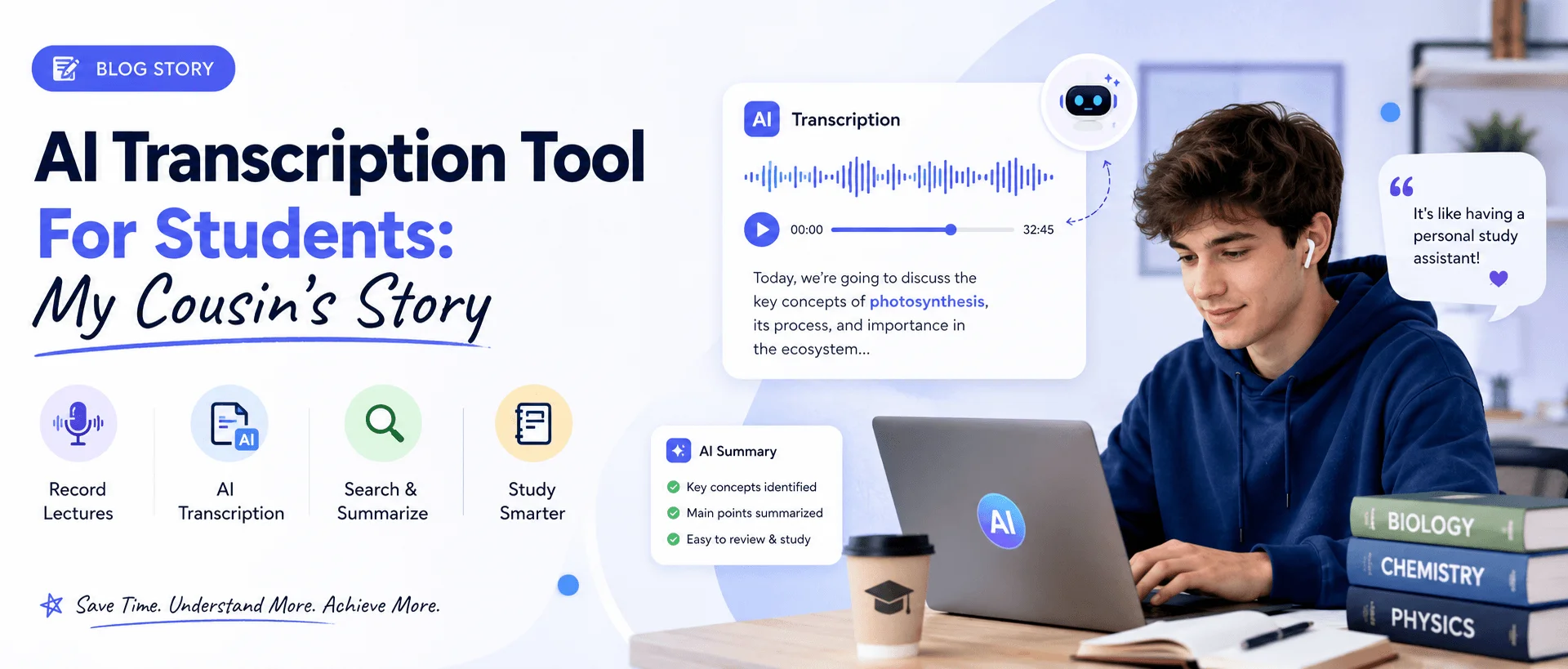
She recorded her next lecture like normal.
She used our MP3 to text converter to upload the recording afterward
Within a few minutes she had a full text version of everything the professor said.
She sat there rereading it, completely shocked at how much she actually missed while writing notes the old way.
We assume we catch most of a lecture while writing, but we really dont catch nearly as much as we think.
Best Transcription App For Students According To My Testing
I tested a few different tools while helping her figure this out.
Some gave messy, broken text full of errors.
Others handled full sentences and even organized things into paragraphs automatically.
The ones worth using picked up technical terms and names way better than I expected going in.
Once we found a tool like that, the whole studying process got so much easier for her.
Audio To Text For Students During Group Projects
This part surprised me a lot.
Group projects often involve recorded planning calls or discussions.
Instead of one person trying to take notes for everyone, the whole call just gets turned into text afterward.
Everyone gets the same accurate record instead of relying on whoever happened to be paying attention that day.
We used to argue about what was actually said during a call. That stopped completely once we started doing this.
Speech To Text For Students Who Learn Better By Reading
Not everyone learns the same way.
My cousin said she actually understands material better when she reads it instead of just listening to it again.
Speech to text let her convert every lecture into something she could read through at her own pace.
That alone made a bigger difference for her grades than I expected.
We dont all process information the same way, and having text as an option instead of just audio helps a lot of students.
Lecture Transcription Software For Long Classes
Some of her classes run almost two hours long.
Rewatching a full two hour lecture just to find one explanation used to eat up her entire evening.
Now she just searches the transcript for a keyword and jumps straight to that part.
Takes seconds instead of scrubbing through video for ten minutes trying to find the right spot.
That single change saved her more study time than anything else she tried this semester.
AI Note Taking App Versus Manual Notes
I asked her to compare both methods after using this for a few weeks.
Manual notes felt rushed and full of gaps.
Using an AI note taking app gave her a complete, accurate version of every lecture without missing anything important.
She still adds her own summaries and highlights afterward, but the base transcript does all the heavy lifting now.
We dont need to choose one or the other completely. Combining both worked best for her.
Voice To Text For Students On A Budget
Cost matters a lot for students, obviously.
She was hesitant at first thinking this would be expensive.
Turns out plenty of solid voice to text tools are free or cost very little for basic use.
She started with a free audio to text converter with no signup and it handled her lecture length just fine.
We assume good tools always cost money, but that isnt always true here.
Student Transcription Software For Different Subjects
I was curious if this worked well across different types of classes, not just lecture heavy ones.
She tested it on a history class, a biology class, and a math heavy statistics course.
History and biology transcribed almost perfectly since they involve a lot of spoken explanation.
The statistics class was trickier since so much of it involves writing on a board instead of talking, but the spoken parts still transcribed cleanly.
We learned that this works best for subjects with heavy spoken content, which covers most college classes anyway.
Transcribe Lectures To Text Without Missing Class
Some students record just in case they miss a class entirely.
She did this once when she was sick and couldnt make it in.
Uploaded the recording her roommate sent her and got a full transcript within minutes.
She caught up on the entire missed lecture just by reading through it that same night.
We used to fully rely on borrowed notes from someone else. Now theres a much more reliable backup option.
Convert Lecture Recordings To Text For Exam Prep
This became her main use case by the end of the semester.
Instead of rewatching every recorded lecture before finals, she just read through the transcripts instead.
Reading through text takes a fraction of the time compared to sitting through hours of video again.
She combined this with her regular notes and said it made exam prep way less overwhelming overall.
We tend to save studying for the last minute, and having transcripts ready made that crunch time feel way more manageable for her.
How She Actually Uses AudioToTextify Now
She settled on using AudioToTextify for most of her lectures this semester.
She records the class, uploads the file right after, and has a full transcript ready before she even leaves the building most days.
No extra software to install, which mattered a lot since she already has a laptop full of random apps she barely uses.
We both agreed this became one of the easiest habits she picked up all year.
Speech To Text For Late Night Study Sessions
She told me one of the biggest wins was studying late at night without needing to keep volume up around roommates.
Reading a transcript works fine in a quiet dorm room where playing audio out loud isnt an option.
She could highlight key parts right in the text instead of pausing and rewinding audio constantly.
We forget how much environment affects studying, and this fixed a problem she never even thought to mention until I asked.
Voice To Text For Students Juggling Multiple Classes
Balancing four or five classes at once means recordings pile up fast.
She started falling behind on reviewing lectures within just a couple weeks.
Having transcripts ready meant she could skim through several classes worth of material way faster than replaying hours of audio.
Skimming text takes minutes. Replaying video takes hours.
We dont always realize how much time adds up across a full course load until something actually saves that time back.
Lecture Transcription Software And Group Study Sessions
Her study group started using transcripts too once she showed them how it worked.
Instead of everyone comparing scattered notes, they compared the same accurate transcript together.
That cut down on a lot of confusion about what the professor actually said during confusing parts of a lecture.
We used to spend the first ten minutes of every study session just arguing about details. That basically disappeared once everyone had the same source to check.
Student Transcription Software For Online Classes
A few of her classes moved online halfway through the semester.
Recorded lectures replaced live ones for a few weeks.
She said this actually worked even better for transcription since the audio quality from recorded video calls was cleaner than a noisy lecture hall.
We assumed in person classes would transcribe better, but recorded online sessions actually gave cleaner results most of the time.
AI Note Taking App For Reviewing Before Exams
By the time finals rolled around, she had transcripts saved for almost every class.
Instead of panicking and rewatching hours of lecture footage, she opened her folder of transcripts and started reading through them in order.
She said it felt like having a study guide for every single class already written out for her.
That single habit made her whole exam week feel way less chaotic than previous semesters.
What I Look For In A Good Student Transcription Tool
After watching her test different options, I built a short list of what actually matters.
Fast turnaround so you get your transcript before you forget what happened in class
Clean formatting with proper punctuation and paragraph breaks
Accurate handling of technical terms depending on the subject
No complicated sign up process eating into study time
If a tool checks these boxes, its worth sticking with long term.
Common Mistakes Students Make With Transcription Tools
She ran into a few of these herself before figuring out a better system.
Recording in noisy lecture halls without checking mic placement
Forgetting to save transcripts somewhere organized
Skipping the quick proofread step for tricky terms
Relying only on audio instead of pairing it with quick personal notes
Learning from these early mistakes saved her a lot of frustration later in the semester.
Why This Matters More For Students Than People Realize
College is basically a nonstop stream of spoken information.
Lectures, discussions, office hours, group meetings, all of it comes and goes fast.
We expect students to absorb all of it perfectly the first time, which never actually happens.
Having a reliable way to turn all of that spoken content into text gives students something solid to actually study from instead of relying on memory alone.
That shift alone is why she keeps recommending this to every classmate who complains about missing details during lectures.
FAQs
Is an AI transcription tool good for students on a budget?
Yes. Many tools offer free options that work well for typical lecture lengths.
Can transcription tools handle technical subjects like science or math?
They handle the spoken explanation well, though visual heavy content like equations still needs regular notes.
Do I need to install any software for this?
No. Most transcription tools work directly through your browser without any installs.
How long does it take to get a transcript after class?
Usually just a few minutes depending on how long the lecture recording is.
Can I use this for group projects too?
Yes. Recorded group calls or discussions transcribe just as easily as lectures.
Final Thoughts
I didnt expect one phone call during finals week to turn into this much research.
But watching how much time my cousin saved changed how I think about studying altogether.
An AI transcription tool for students isnt just a convenience. It fixes a real problem that almost every student deals with constantly.
We spend so much time trying to catch every word during a lecture instead of actually understanding it.
Letting a tool handle the writing part means students can finally just focus on learning instead.
If you want to try the exact tool she uses now, AudioToTextify is where she starts every recording.
Read more: YouTube to Transcript: Convert Videos to Text Free