Free SEO tools like Google Search Console, Bing Webmaster Tools, Lighthouse and Screaming Frog cover most of what a young site needs. Chain them into a weekly routine and you get real keyword research, site audits and page speed data for $0. Upgrade to a paid platform only when data limits start slowing you down.
Why Free SEO Tools Are Worth Your Time
Let me be blunt. You don't need a $200 a month subscription to start ranking.
I've watched bloggers and small business owners burn cash on enterprise SEO software before publishing ten posts. That's backwards, and honestly a little painful to watch.
Here's the good news. The tools that are truly free are mostly first party, meaning they come straight from Google and Microsoft. So you get search engine data from the source, not a guess.
Free tools cover keyword research, technical SEO, page speed testing and on page optimisation. That's most of early stage search engine optimisation.
What LiteScroll.com Offers
So where does litescroll.com fit in? Good question.
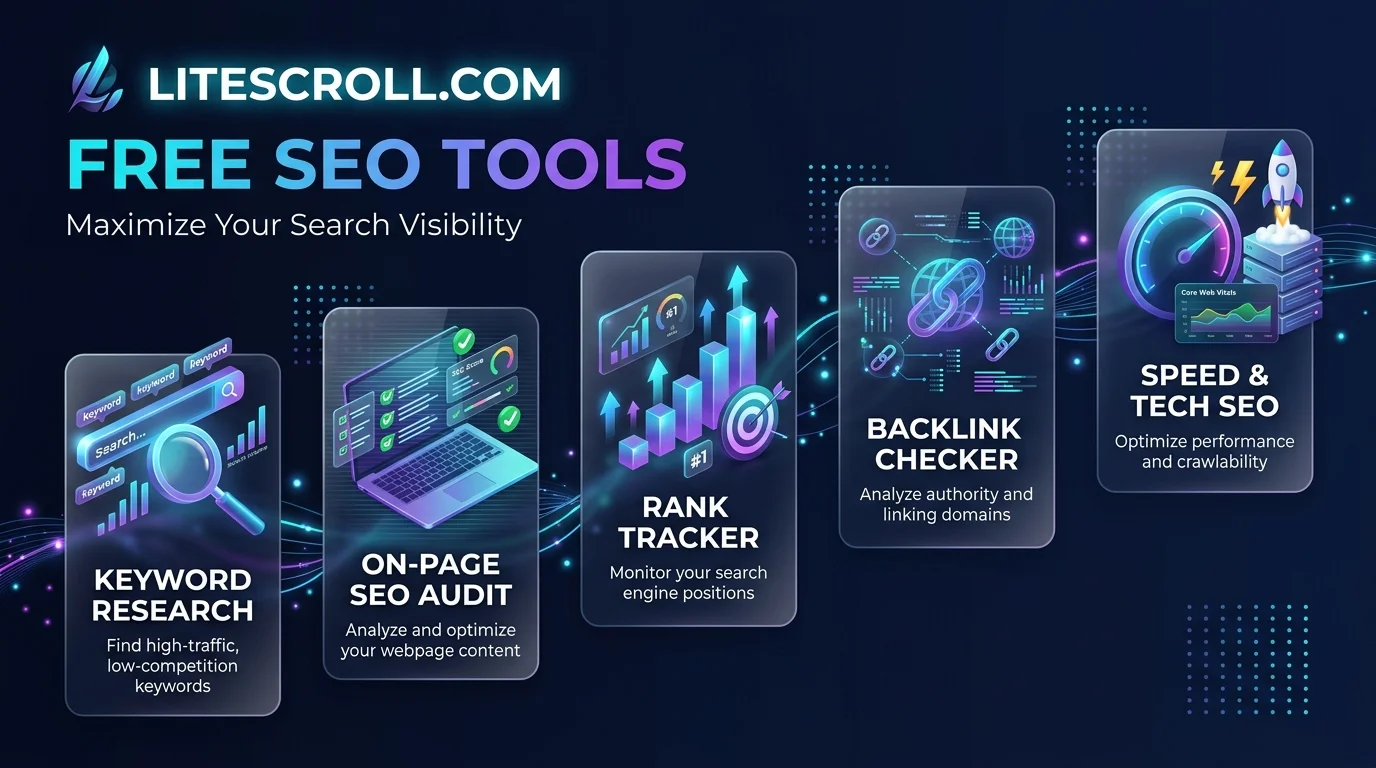
According to one write up of the site, litescroll.com works as a curated guide for site owners on tight budgets. It explains what each type of free tool does well, then shows you how to join them into a SEO workflow.
That matters. A pile of random tools is just noise, but a workflow is a system.
Most free tools fall into three buckets:
Keyword research tools for finding search queries and long tail keywords
Technical audit tools for fixing crawl errors and improving site health
Content optimisation tools for tightening on page SEO
Free SEO Tools Compared
Before we build anything, here's the lineup side by side. I'd rather you see the trade offs now than discover them later.
Tool | Best for | What's free | Main limit | Signup needed |
|---|---|---|---|---|
Google Search Console | Real search queries, indexing | Everything | Data focuses on Google only | Google account |
Bing Webmaster Tools | Second indexing view | Everything | Smaller search audience | Microsoft account |
Lighthouse | Speed, accessibility, on page basics | Everything | One page per run | None (built into Chrome) |
Screaming Frog SEO Spider | Site crawling, broken links | Free version | Capped at 500 URLs | None |
SEOcrawl free tools | Schema, sitemap, llms.txt checks | No account needed | Single purpose checkers | None |
Your Step by Step Free SEO Workflow
Alright, let's build it. Follow these steps in order, because each one feeds the next.
You'll need about an afternoon. Grab coffee.
Step 1: Verify Your Site in Google Search Console
Start with Search Console. It shows the real search queries behind your organic traffic, and nothing else gives you that straight from Google. Verify your domain, then submit your XML sitemap. Let it collect data for a few days. Google's own Search Central documentation explains each report if you get stuck.
Step 2: Add Bing Webmaster Tools
Next, set up Bing Webmaster Tools. The geotoolbox guide calls it the underrated twin, and I agree. It gives you a second look at indexing problems, and sometimes it catches what Google's report misses. Five minutes, tops.
Step 3: Audit Speed with Lighthouse
Now test page speed and Core Web Vitals. Lighthouse lives inside Chrome's developer tools, so there's nothing to install. Run it on your top five pages. Then read the web.dev guide to Core Web Vitals so you know what the scores actually mean. Fix the biggest red items first.
Step 4: Crawl Your Site
Finally, crawl everything. Screaming Frog flags broken links, duplicate content, missing meta descriptions and redirect chains. If you'd rather stay in the browser, SEOcrawl's checkers handle schema validation and sitemap checks without signup.
Try This Yourself: A Simple Before and After Test
Here's the part most guides skip. Don't just trust me, measure your own results.
Run Lighthouse on one page today, and write down the performance score and your biggest issue. Make one fix. Run it again a week later.
Do the same with a crawler: record your broken links count, fix them, then re-crawl. Keep a simple log with the date, the score and the change you made.
That log becomes your own original data. Publish it, and you've got something no competitor can copy.
How to Keep the Routine Going
Consistency beats cleverness here. As the LiteScroll guide points out, the value comes from combining tools into a repeatable routine instead of using them in isolation.
My weekly rhythm is easy:
Monday: Check Search Console for new keyword opportunities.
Wednesday: Run one page through Lighthouse.
Friday: Scan for crawl errors.
That's about 45 minutes, and small habits compound into organic growth. Since you'll be living in Chrome for most of this, a few of the best productivity Chrome extensions can shave even more time off the routine.
The Honest Limits of Free Tools
I promised to be straight with you, so here goes.
Free versions often limit advanced features, data depth and accuracy. You'll feel that once your site grows, with more competitive keywords, bigger content libraries and serious backlink analysis.
Recognising that moment is a skill. Ask yourself three questions:
Are you publishing more than a handful of posts a month?
Are competitors outranking you and you can't tell why?
Is your keyword research hitting walls?
Two yeses mean it's time to look at a paid platform. Free tools got you here, and a paid suite takes you further. If you're running a young site or side project, our guide to startup growth tools can help you decide where your first paid dollar should go. At that point, spending money is an investment, not a gamble.
Frequently Asked Questions
Are free SEO tools worth it?
Yes, especially for beginners and small sites. Tools like Search Console and Lighthouse give you accurate first party data at no cost. They only fall short when you need deep competitor or backlink data.
What are the best free SEO tools in 2026?
Start with Google Search Console, Bing Webmaster Tools, Lighthouse and Screaming Frog's free version. Add SEOcrawl's free checkers for schema and sitemap testing. Together they cover keyword data, speed, crawling and indexing.
What is LiteScroll.com?
Based on available coverage, it's a resource that curates and explains free SEO tools for site owners and small businesses. Visit litescroll.com directly to see its current tool list.
When should I switch to a paid SEO tool?
Switch when free data limits block your progress. Common signs are heavy publishing, tough competitors and keyword research that stalls. Until then, free tools are enough.
Can I use free SEO tools for client work?
Usually yes, but check each tool's terms. Screaming Frog's free version caps crawls at 500 URLs, so bigger client sites need the paid licence.
Your Next Move
So, are free SEO tools worth it? Absolutely, as long as you treat them as a system and not a scavenger hunt.
Start with Search Console tonight. Layer in Bing, Lighthouse and a crawler this week. Then use litescroll.com to keep your free SEO toolkit organised.
When your data limits start to pinch, upgrade with confidence. You'll know exactly what you need, because your own log will tell you.