Google is testing a Gmail 5GB storage test for some new accounts in select regions. Adding a verified phone number unlocks the standard 15GB. Existing accounts aren't affected, and the limit covers your whole Google Account, not just Gmail.
I'll be honest with you. When I first saw "5GB" next to "Gmail," I did a double take.
For years, free Gmail storage meant 15GB, no questions asked. Now it's getting conditional.
So let's break down what's actually happening, who's affected, and what you should do next.
What Is the Google Gmail 5GB Storage Test?
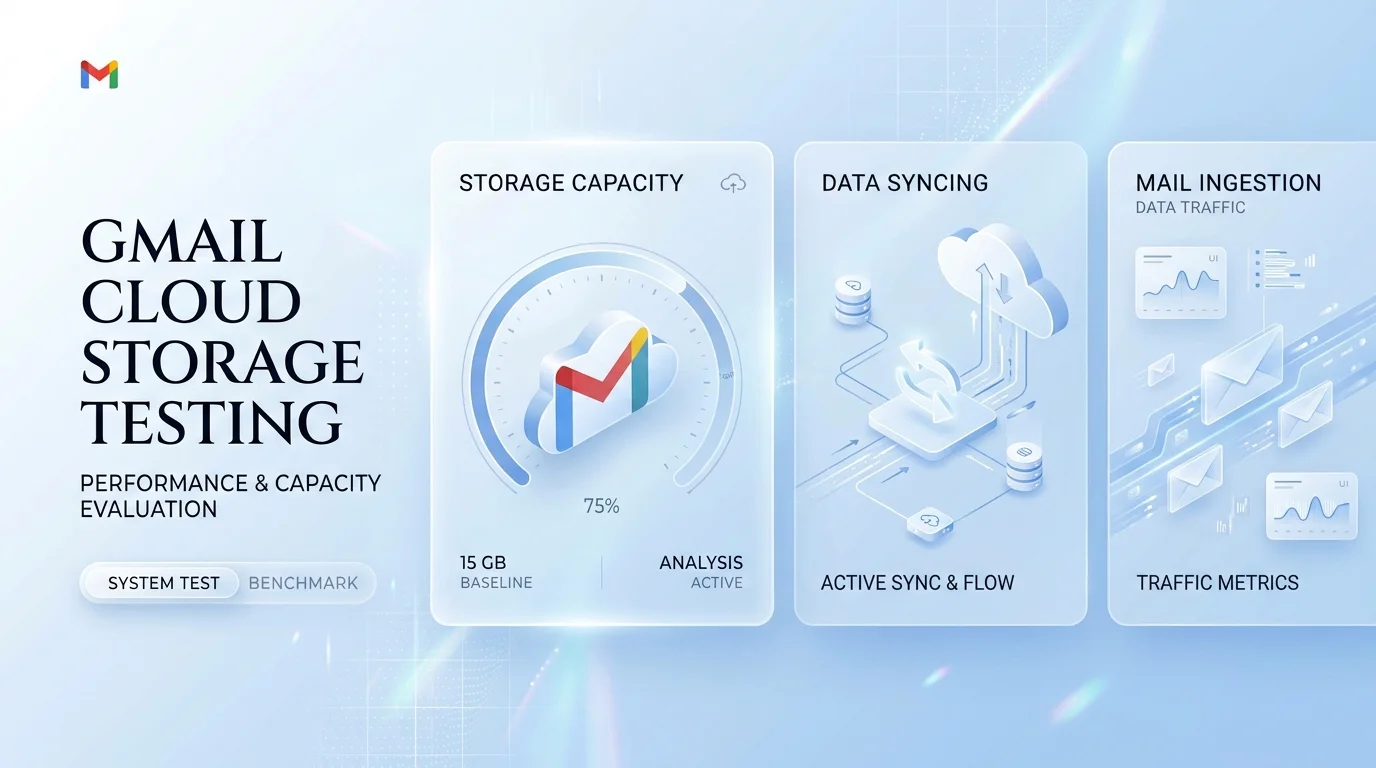
Before you panic, you need the facts, because the headlines got dramatic fast. This section explains what Google confirmed, which new accounts are affected, and what the test does not change. I'll stick to what the sources support and flag anything still unclear, so you can decide how worried to be.
In May 2026, Google confirmed the test to Android Authority. Some new Google accounts in select regions start with 5GB instead of 15GB.
Here's what that means in plain English:
It applies to new accounts, not old ones.
The cap covers Gmail, Google Drive, and Google Photos together.
A verified phone number unlocks the full 15GB.
Google hasn't named the regions, though early reports came mostly from African countries.
At the time of writing, the reports I found still describe it as a regional test, not a global change.
Why Is Google Limiting Free Storage to 5GB?
You're probably wondering why Google would do this. The company gives a security reason, and there's a likely second motive behind it. Below, I cover Google's official explanation, the abuse prevention angle, and why privacy minded users are annoyed. Understanding the "why" also helps you guess where Google storage policy might head next.
Google's spokesperson said the test supports a high quality storage service while encouraging better account security and data recovery.
The signup prompt reportedly says storage is added only once per person. That points to abuse prevention. Some people create piles of throwaway accounts just to farm free space.
But there's a flip side.
Some users see it as handing over a phone number to get space. Both views are fair.
Does the 5GB Limit Affect Your Existing Gmail Account?
This is the question most of you are asking. The short version is reassuring, but there's a catch worth knowing about. Here I explain what current reports say about older accounts, the small wording change on Google's support page, and why you shouldn't treat 15GB as permanent. A little caution now saves you a nasty surprise later.
If you already have 15GB, it shouldn't be impacted. Even older accounts without a phone number appear to keep their legacy allowance.
However, Google's support page now says "up to" 15GB. Android Authority noted that an archived February version didn't use those words.
That small change leaves the door open.
Free Storage Has Shrunk Before
Google's free tier has a history of changing, so this test isn't coming out of nowhere. To give you context, here are the two biggest earlier shifts. They show a pattern: free perks tend to get more conditional over time, which is exactly why planning ahead beats reacting later.
2013: Google merged Gmail, Drive, and Photos into one 15GB pool.
2021: Photos and Drive files began counting toward that cap.
Gmail Free Storage Compared: Who Gets What?
Numbers are easier to understand side by side. This table shows how the test splits storage by account type, so you can quickly see where you fall. After the table, I point you to the biggest free competitors, because cloud storage limits matter when you're deciding where to keep your files.
Account type | Free storage | Notes |
|---|---|---|
Existing account | 15GB | Not affected, per current reports |
New account, verified phone | 15GB | Full allowance |
New account, no phone (test regions) | 5GB | Shared across Gmail, Drive, Photos |
Rival services have their own free tiers, and those change often. Check each provider's current page before you compare: iCloud, OneDrive, and Dropbox.
So even at 5GB, Google may not be an outlier. It just stopped being the generous one.
How to Unlock the Full 15GB: A Step by Step Guide
If you're stuck at 5GB, the fix is quick. This guide walks you through checking your limit and adding a phone number, in order, so you don't have to guess. Menu names can shift, so follow Google's on screen prompts if anything looks different. You'll be done in a couple of minutes.
Step 1: Check Your Current Storage
Before changing anything, find out whether you're even in the test group. It takes about thirty seconds and tells you exactly what to do next. You'll see a breakdown across Gmail, Drive, and Photos, so you'll also spot what's eating your space.
Open your Google Account and look at the storage section. If it says 15GB, relax. If it says 5GB, keep going.
Step 2: Add and Verify a Phone Number
This is the unlock step, and it's refreshingly simple. Google reportedly shows a prompt offering to unlock the extra 10GB once you link a phone number. You can even sign up first and add the number later.
Open the storage prompt, or your account's Personal info settings.
Add your phone number.
Enter the verification code Google sends you.
Refresh your storage page and confirm the new limit.
Worried about getting locked out later? A verified number also helps with recovery. And if you've already lost access to the number on your account, here's how to recover a Gmail password without a phone number.
Step 3: Clean Up Before You Run Out
Even with 15GB, you'll eventually hit the ceiling. A quick cleanup now keeps your Gmail inbox healthy and your Google Photos backup running. Start with the biggest offenders first, since they free up the most space for the least effort.
Delete large attachments.
Empty Spam and Trash.
Remove duplicate photos and old backups.
What Happens When Your Gmail Storage Is Full?
Running out of space is more than an annoyance. It can stop real things from working, and the consequences get worse the longer you ignore them. Here's what Google's own documentation says happens at the limit, and the two year rule that can put your files at risk. Knowing this makes the case for acting early.
When your account is full, you can't send or receive Gmail messages, and you can't back up photos or videos.
Worse, if you stay over quota for two years, Google may delete content across Gmail, Drive, and Photos.
Imagine missing a job offer because your inbox bounced it. That's the risk.
And if your mail app starts acting up while you sort this out, this walkthrough on fixing the "Cannot Get Mail" server error can help you troubleshoot.
Is the Privacy Tradeoff Worth It?
Not everyone wants to hand over a phone number, and that's a reasonable position. This section lays out both sides honestly, with some numbers from readers who weighed in. You'll see how others are leaning, then I'll give you my take so you can make your own call with confidence.
In an Android Authority reader poll of about 7,277 votes, 44% said they wouldn't share a number but still wanted 15GB, and 27% had already shared theirs. Only 10% said 5GB was enough.
My view? If you use Google daily, you probably already have a phone number tied to your account. Adding it also helps with account recovery.
If you truly won't share it, a paid plan solves the problem without the tradeoff.
Why You Should Upgrade to Google One
Free storage is a trial, not a plan. If email, photos, or documents matter to you, you want space that no policy test can shrink. In this section, I explain what Google One gives you and why it's the most sensible fix. I'd rather you stop worrying about storage entirely.
Google One extends your free quota across Drive, Gmail, and Photos, and lets you share space with family. I'd point you to Google's current plans and pricing page rather than quote a number that may be outdated.
Here's what you get:
More storage, so you never scramble to delete files.
Photo and file backup for your phone.
Family sharing, with private space for each person.
Peace of mind, because your inbox won't silently fill up.
If your email is how you earn a living, you can't afford a full inbox. Check the plans, pick the smallest one that fits, and the problem is gone.
Compare the plans and pick one today. You'll thank yourself later.
Frequently Asked Questions
These are the most common questions about the test. Each answer is short and direct, so you can scan for yours. If your question isn't here, the sources linked throughout this article go deeper.
Is Gmail's free storage now 5GB?
Only for some new accounts in select regions. The standard allowance remains 15GB, and Google calls this a test.
Do I need a phone number to get 15GB?
In the test regions, yes. A verified phone number unlocks the full amount.
Will my old Gmail account be reduced to 5GB?
Current reports say no. Existing accounts keep their allowance.
Is the 5GB just for email?
No. It's shared across Gmail, Google Drive, and Google Photos.
What if my storage fills up?
You can't send or receive emails or back up photos until you free space or add storage.
Final Thoughts on the Gmail 5GB Storage Test
So what's the takeaway? The Gmail 5GB storage test is real, but it's limited. Your current account is almost certainly safe.
Still, the direction is clear. Free storage is getting more conditional.
Here's what I'd do:
Check your storage today.
Verify your phone number if you're stuck at 5GB.
Clear out the clutter.
Upgrade to Google One if you want zero worries.
Do that, and you're covered, whatever Google tries next.