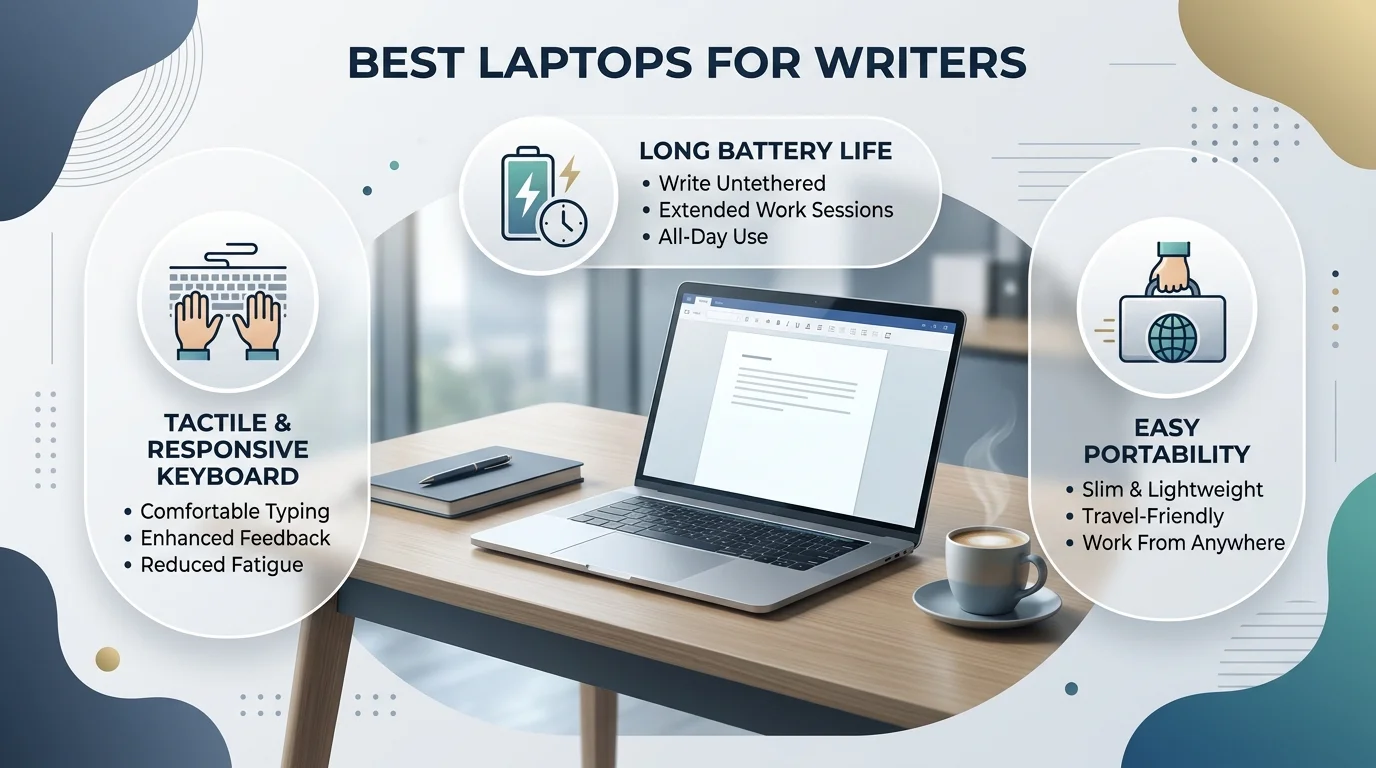
The best laptop for writers in 2026 is the MacBook Air M5 for most people. Choose the Microsoft Surface Laptop or the Lenovo ThinkPad T14s if you prefer Windows, and the Acer Aspire 5 if your budget is tight. Judge every option on keyboard, battery life, weight, screen and noise, not processor speed.
How I Chose the Best Laptops for Writers
Let me be upfront. I didn't run lab tests on these machines myself.
Instead, I compared published reviews from RTINGS, TechRadar and Laptop Mag, plus working authors. Then I kept the picks several sources agreed on. So you get a filter built on evidence, not hype. Where sources disagree or data looks dated, I'll tell you. The rubric below comes from the five criteria in ScribeCount's 2026 author hardware guide.
Keyboard comfort: key travel, feel and a backlit keyboard
Battery life: a full writing day away from the outlet
Weight: how easily it slips into your bag
Screen: sharpness, glare and a tall 16:10 display
Noise: a fanless machine lets you hear your own sentences
Best Laptops for Writers at a Glance
Short on time? This table gives you the whole picture in about thirty seconds. Every detail comes from the reviews linked in each row, so you can check my work. Then, if a row catches your eye, jump to its section below. One warning, though: prices and specs move fast, so confirm on the maker's page before you buy.
Laptop | Best for | Standout | Watch out for | OS |
|---|---|---|---|---|
MacBook Air M5 | Most writers | Fanless, about 18 hours rated by Apple, about 2.7 lbs | Starts around $999 | macOS |
MacBook Air M4 | Value Mac buyers | 15.5 hours in Laptop Mag's test | Older chip | macOS |
MacBook Neo | Budget Mac buyers | Apple's cheapest laptop, runs writing apps easily | Reportedly no backlit keys | macOS |
Surface Laptop | Windows users | RTINGS' top pick, with a sharp display and room for reference material | Check current pricing | Windows |
ThinkPad T14s | Keyboard lovers | 1.5mm key travel, backlit, 16:10 screen | Not as repairable as older ThinkPads | Windows |
Acer Aspire 5 | Tight budgets | 1.3mm key travel | About 6.5 hours of battery, weak webcam | Windows |
Why the MacBook Air M5 Is My Top Pick for Most Writers
Here's my honest take. If you want one laptop and zero regrets, buy the MacBook Air M5.
Why? Because the best writing laptop is the one you stop thinking about. Multiple 2026 roundups, including WhalesDev and ThirstyBear, name the Air their top choice. And it's easy to see why.
Silent: BookWitch notes the M5 is fanless, so you hear nothing but your own keys.
All day battery: Apple rates it around 18 hours, and the M4 hit 15.5 hours in Laptop Mag's testing.
Light: at about 2.7 lbs, it disappears in your bag.
Sharp text: the Liquid Retina display keeps your eyes fresh at hour four.
Now the catch. It starts around $999, per BookWitch. Still, you're buying a machine that carries years of drafts, so the cost per chapter drops fast.
Also, Vellum runs only on Mac. If you self publish, that fact alone may settle your decision.
Should You Buy the MacBook Neo Instead?
Maybe. The MacBook Neo is Apple's cheapest laptop, and RTINGS has reviewed it. Novelist Adam Eccles says it runs apps like Ulysses, Vellum and Bear with room to spare, though he admits he hasn't handled one himself. One roundup also flags the missing backlit keys. So, if you mostly write in daylight and want to save money, it's worth a look. Otherwise, stay with the Air.
Best Windows and Budget Alternatives to the MacBook
Not a Mac person? No problem. Windows offers strong options for writers, and a few cost far less than an Air. Below, I've picked three that reviewers keep recommending. Each one wins on something different, so read for the trait you care about most. Then check today's price and order.
Microsoft Surface Laptop: Best Windows Pick
Want Windows without giving up polish? Grab the Surface Laptop. RTINGS' testing put the Surface Laptop 7th Edition 15 on top for writers, citing a very sharp display and plenty of room to keep reference material next to your draft. That split view is a lifesaver during research. Note that RTINGS' page was last modified in May 2025, so check it for updates.
Lenovo ThinkPad T14s: Best for Keyboard Lovers
Care most about typing feel? Then buy this one. TechRadar's writer with 18+ years of experience calls the backlit keyboard one of the most comfortable they've used, with slightly concave keys and 1.5mm of travel. The 14 inch 16:10 display gives you extra vertical space too. The trade off? It isn't as repairable or upgradeable as older generations.
Acer Aspire 5: Best Budget Laptop
Watching your wallet? I get it. TechRadar's review found the Aspire 5 nails the basics, with firm keys, 1.3mm of travel (deeper than MacBooks) and smooth performance. However, battery life hit only 6.5 hours, and the 720p webcam is weak. So keep your charger close. For pure typing on a budget, though, it delivers.
Writing essays on a student budget? Then also read our guide to the best laptops for students in 2026, which covers cheaper machines built for classes and campus life.
How to Choose Your Writing Laptop: A Step by Step Guide
Choosing gets easy when you follow a fixed order. Each step below removes options, so by step five you'll usually have one clear winner. You don't need a spreadsheet or an engineering degree. Instead, you need about ten minutes and honest answers about how you write. Ready? Let's walk through it together.
List your software first. Scrivener runs on macOS, Windows and iOS, while Vellum runs only on Mac. Write down every app you rely on.
Set your budget. Decide your ceiling before you browse, so you don't drift upward.
Test the keyboard. Visit a store if you can, because your fingers know within a minute.
Pick screen size and weight. Choose 13 inches for travel or 16 inches for long manuscripts.
Set up your desk correctly. The American Optometric Association advises placing the screen center 4 to 5 inches below eye level and 20 to 28 inches from your eyes. That helps prevent digital eye strain.
You've likely heard of the 20-20-20 rule too. The evidence is mixed, so treat it as a healthy habit, not a cure.
Common Mistakes to Avoid When Buying a Writing Laptop
Everyone slips up somewhere. The good news is that these mistakes repeat, so you can dodge them. Read the list below before you click "buy," and you'll protect both your wallet and your wrists. It takes ninety seconds. Afterward, you'll shop like someone who has already made the mistakes.
Overbuying power. You don't need a MacBook Pro to write a book.
Ignoring the keyboard. Specs look great on paper, but sore wrists don't.
Buying a gaming laptop. They're heavy and loud, and you'll feel both.
Skipping battery health on used laptops. Refurbished is fine, but check first.
Once you've bought your laptop, protect the tool you touch most. Crumbs and grime can make keys feel sticky, so learn how to clean a keyboard safely and keep typing smooth for years.
Best Laptop for Writers: Your Questions Answered
You probably still have a few questions, and that's normal. Below, I answer the six most common ones in plain language, each with a direct answer up front. Use this section as a quick reference, or skip straight to the question that's nagging you. Either way, you'll leave with a decision instead of another open tab.
Is a MacBook good for writers?
Yes. Reviewers call the keyboard, battery life and quiet operation top rated, and writing apps like Scrivener, Ulysses and Bear run well on macOS, per ThirstyBear. The main catch is price, with the MacBook Air M5 starting around $999. If you need Vellum for book formatting, a Mac is required.
Do I need a MacBook Pro to write a book?
No. Novelist Adam Eccles argues any modern laptop can handle typing, editing and exporting, so writers need a quiet machine that lasts all day with a good keyboard, not raw power. A MacBook Air or midrange Windows ultraportable handles manuscripts and research tabs comfortably. Save the extra money.
How much RAM do writers need?
There's no official number. Writing apps are light, so my rule of thumb is 8GB as a workable floor, and 16GB if you keep dozens of browser tabs, PDFs and a large Scrivener project open at once. Prioritize keyboard, battery and screen first, because they affect your day more than memory does.
Is a Chromebook enough for writing?
Yes, if you write mostly in Google Docs or other browser tools. BookWitch lists a $399 Chromebook among its budget picks. However, Scrivener supports macOS, Windows and iOS, and Vellum runs only on Mac, so a Chromebook may not fit if those apps are central to your workflow.
What is the best laptop for screenwriting?
Look for a great keyboard and a 16:10 display. TechRadar's veteran writer says the ThinkPad T14s keeps text crisp in word processors and screenplay software alike, and its backlit keyboard offers 1.5mm of key travel. A MacBook Air is a strong alternative if your screenwriting software runs on macOS.
Freewrite vs laptop: which should you buy?
Buy a Freewrite only if distraction-free writing is your main problem. Forbes describes the Traveler as strictly a text editor that syncs to the cloud, listed around $529, so it can't replace a full word processor. A laptop with notifications silenced gives you more flexibility, since you can run Word, Docs or Scrivener.
Final Verdict: The Best Laptop for Writers Disappears While You Write
Here's the bottom line. A laptop won't make you a better writer overnight. But the right one removes every excuse between you and the page.
For most people, the best laptop for writers is the MacBook Air M5, thanks to its silence, its battery life and its keyboard. Prefer Windows? Buy the Surface Laptop or the ThinkPad T14s. On a tight budget? The Acer Aspire 5 gets the job done.
So here's your next move. Pick one laptop from the table, check today's price on the maker's site, and order it this week. Your next chapter is waiting.
Read Also: Powerwash a Chromebook: Easy 2026 Guide