If you searched for the Dollar Tree Compass employee login, you almost certainly want one of three things: your schedule, your pay stub, or a fix for a login screen that keeps rejecting you. Here's the short version before anything else — the official portal lives at compassmobile.dollartree.com, you sign in with your WFM username and password, and there is no official Compass app to download. Everything below expands on that, step by step, in plain English.
I've spent a long time digging through the mess of copycat "portal guide" sites that dominate these search results. Most of them repeat each other. Some of them repeat things that are flat-out wrong.
My goal here is different: give you the accurate version, tell you which portal handles what, and keep you away from the fake login pages that prey on retail workers.
What Dollar Tree Compass Actually Is
Before you type anything into a login box, it helps to know what you're logging into. Dollar Tree Compass — most associates just call it Compass Mobile — is the company's workforce management (WFM) system. Think of it as the digital replacement for the paper schedule taped to the breakroom wall. It's an employee self-service (ESS) portal, which is corporate-speak for "you can handle your own work stuff without hunting down a manager." Schedules, clock-in details, shift assignments, announcements. That's its lane.
To give you a sense of scale, this system serves a genuinely enormous workforce. According to the company's fiscal 2025 Form 10-K, Dollar Tree employed 153,032 associates as of January 31, 2026, operating more than 9,000 stores and 18 distribution centers across 48 states and five Canadian provinces.
Here's the part that trips people up. Compass is not the only Dollar Tree portal, and it isn't the one that handles your money.
That distinction matters more than any login tip I can give you. If you're looking for a W-2 in Compass, you're going to be looking for a very long time.
A quick note on Family Dollar
You'll find dozens of pages online claiming Compass serves both chains. That's outdated. According to Dollar Tree's own press release, the company completed the sale of its Family Dollar business to Brigade Capital Management and Macellum Capital Management on July 7, 2025, for a base purchase price of $1,007.5 million. Family Dollar is a separate company now.
If you work there, your systems have diverged — check with your own HR rather than following Dollar Tree instructions. (I've covered those differences separately in my Family Dollar employee portal guide.)
How to Log Into the Dollar Tree Compass Employee Portal
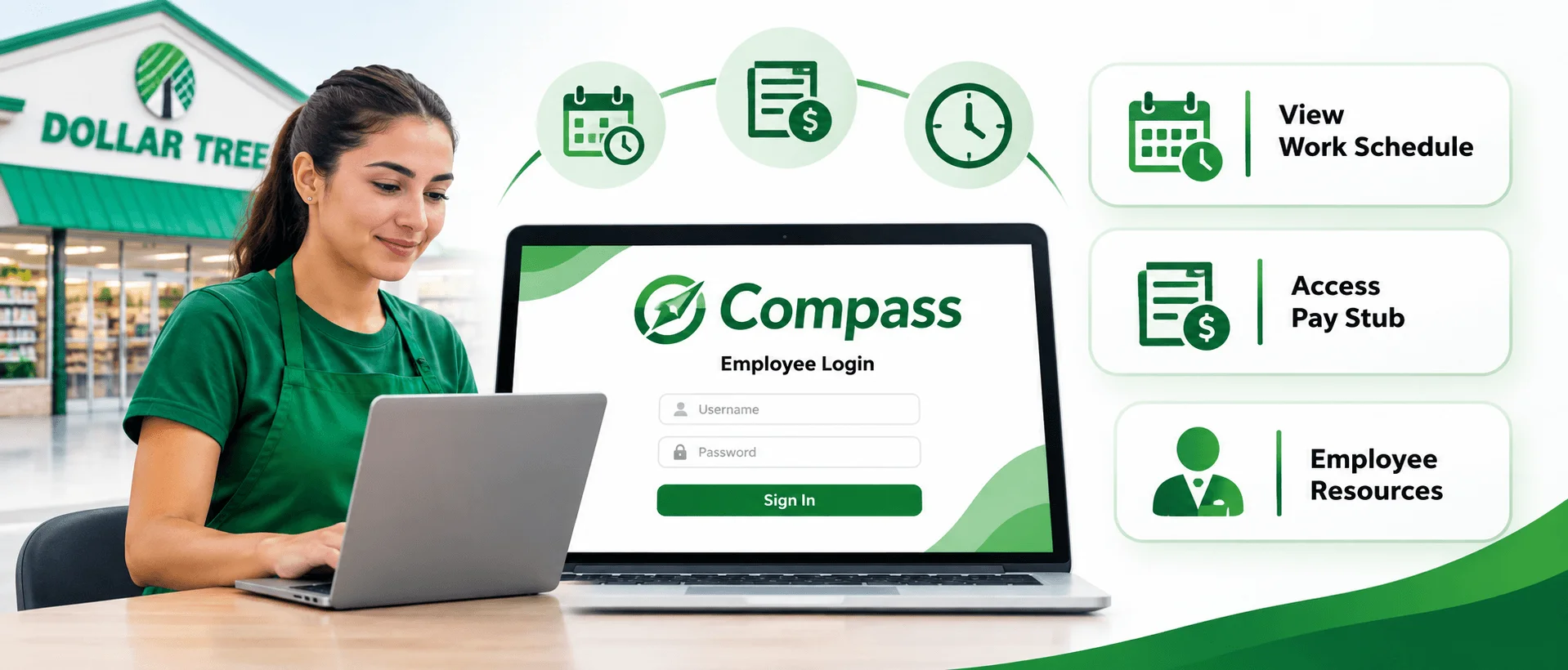
Alright, let's do the actual thing you came for. The Dollar Tree Compass employee login process is genuinely simple once you have the right credentials in hand, and honestly, that's where most of the friction happens — not the button-clicking, but knowing which username you're supposed to use. Grab your paystub before you start; your WFM user ID is printed on it. That single tip solves maybe half of all failed logins I've seen described online.
Here's the walkthrough.
Step 1 — Open a browser you trust. Chrome, Safari, Edge, or Firefox all work fine. Type the address in manually rather than clicking a link from a text message or email.
Step 2 — Go to compassmobile.dollartree.com. Type it directly into the address bar. Then bookmark it. Seriously, bookmark it — that one habit protects you from every lookalike domain in existence.
Step 3 — Enter your WFM username. This is not your personal email address. It's the employee ID or named user account assigned by HR during onboarding.
Step 4 — Enter your password. Passwords here are case-sensitive. Watch for autocorrect on mobile, which loves to capitalize the first letter for you.
Step 5 — Tap Login. You'll land on your dashboard. What you see depends on your role and store — assistant managers and store managers get more options than a part-time associate.
Step 6 — Open "Clock-In Info." That's where your work schedule lives. Shifts, hours, department assignments, manager notes.
That's it. Six steps, maybe ninety seconds.
New hires: why your login might not work yet
If you just got hired and nothing works, don't panic and don't reset anything. Your Compass portal access isn't created the moment you sign your offer letter — it's provisioned after onboarding paperwork is processed and your profile is activated in the system. That can take a few days. Ask your store manager to confirm your account is active before you assume something is broken.
Is There a Dollar Tree Compass Mobile App?
This section exists because I want to save someone from a very bad afternoon. Search "Compass Mobile app" in the App Store or Google Play and you'll find results. Several of them, actually, with confident logos and screenshots. Dollar Tree has not published an official Compass mobile app. Not for iOS. Not for Android. Anything you find there is made by a third party, and handing your employee credentials to an unaffiliated app is how account compromises start.
So what do you do instead? Use the mobile site. It's fully responsive and does everything the "app" claims to.
Even better, turn it into an app yourself:
On iPhone: open the portal in Safari, tap Share, then Add to Home Screen.
On Android: open it in Chrome, tap the three-dot menu, then Add to Home Screen.
Now you've got a one-tap icon that goes straight to the real login page. Same convenience, zero risk. I'd argue it's actually better than a native app, because it can never go stale or get abandoned by its developer.
Dollar Tree Compass Login Not Working? Troubleshooting That Actually Helps
Look, login failures are frustrating in a way that's hard to overstate when you're standing in a parking lot trying to figure out whether you work tomorrow. Most Compass Mobile login issues fall into a handful of buckets, and nearly all of them are fixable in under five minutes without calling anybody. Work through these in order rather than jumping straight to a password reset, because resetting when your actual problem is a cached browser session just creates a second problem on top of the first.
The username is wrong (most common by far)
You're probably entering an email address. Check your paystub for the exact WFM user ID format and match it character for character.
Your account is locked
Too many failed attempts triggers a temporary account lockout. Wait a few minutes. Don't keep hammering the login button — that just extends it.
Browser cache or cookies
Clear your cache, make sure cookies are enabled, then try again. If you're not sure how, my guide on how to refresh your browser walks through hard refreshes and cache clearing on every major browser. Or skip all that and open an incognito / private window, which bypasses cached data entirely.
"This Connection Is Not Private"
Associates have reported this SSL warning on both Safari and Chrome, and it's alarming when it appears. Usually it's a certificate or network issue, not an actual attack. Try switching from store Wi-Fi to mobile data, or vice versa. If the warning persists on a network you trust, stop and verify you're on the exact domain — one misspelled character is the whole game with phishing sites.
The site won't load at all
Sometimes Compass Mobile is down for maintenance or a server-side outage. Check with a coworker. If nobody can get in, it's not you.
Still stuck?
Your store manager is genuinely the fastest path to resolution for credential problems. They can escalate to IT internally in a way you can't from outside. Use the support number listed in your own onboarding paperwork — I'd rather you verify a phone number from a document in your hand than trust one copied across a dozen anonymous websites.
Pay Stubs, W-2s, and Direct Deposit: The Portal You Actually Need
Here's where I'm going to redirect you, and it's the most useful thing in this article. Your pay information does not live in Compass. It lives in the Associate Information Center, which is a separate secure hub for current and former associates. If you've been clicking around Compass looking for a pay stub and coming up empty, this is why. Same company, different door.
Here's the full mapping.
Task | Where it happens |
|---|---|
Pay stubs | MYInfo, via the Associate Information Center |
W-2 tax forms | paperlessemployee.com/DollarTree |
Direct deposit updates | MYInfo |
Address & tax withholding changes | MYInfo |
Employment verification | The Work Number link |
Benefits enrollment | MyTree |
Internal job postings | MyCareer |
Schedules & clock-in info | Compass Mobile |
One practical note on direct deposit: MYInfo will ask for your routing and account numbers, and the easiest way to get them right is straight off a check. If you're setting this up for the first time, here's how to void a check properly before handing it over.
Print that table. Or screenshot it. It'll save you more time than anything else here.
Getting your W-2
W-2 forms are typically posted at the end of January each year through the Doculivery system at paperlessemployee.com/DollarTree. If you never opted into electronic delivery, a paper copy was mailed to the address on file — which is a great reason to keep your address current in MYInfo before you leave a job, not after. I walk through that system in more detail in my Doculivery and PaperlessEmployee guide.
Dollar Tree Compass Login for Former Employees
This deserves its own section because it's one of the most common questions I see, and the answer is genuinely reassuring. Yes, you can still retrieve your tax documents after leaving the company. Your active Compass Mobile credentials stop working once you're off the schedule — that portal is tied to active employment — but the payroll and tax systems are separate and remain accessible. Former associates keep access to W-2s and employment verification through those channels.
Here's how to do it:
Go to paperlessemployee.com/DollarTree, not Compass. This is the system that holds your tax records.
Sign in with your Doculivery credentials. If you never created them, use the account-registration option with your employee ID and the personal details on file.
Open Tax Documents and download the year you need. W-2s are generally posted by January 31.
If your address changed after you left, that's the one thing to sort out first — a mailed paper copy goes to whatever address was on file on your last day.
Benefits, Training, and Internal Careers
Compass gets all the search traffic, but it's honestly the least interesting portal in the lineup once you're past the schedule. MyTree is Dollar Tree's benefits, handbook, and policy site — health, dental, and vision plan choices, open enrollment windows, wellness information, and the associate handbook that answers most policy questions people end up asking managers.
MyCareer, hosted at internaljobs.dollartree.com, is the internal job portal. If you want to move from part-time to full-time, switch departments, or apply for a promotion, that's the front door. Worth knowing: the company's 10-K specifically calls out tuition reimbursement, discounted tuition at hundreds of colleges, and structured internal advancement as part of its retention strategy. Those programs exist. Most associates never open the portal that lists them.
Frequently Asked Questions
What is the official Dollar Tree Compass login URL?
The official portal is compassmobile.dollartree.com. Type it directly into your browser rather than clicking a link from a text or email, and bookmark it once you're in. Any other domain claiming to be the Compass login page is unaffiliated with Dollar Tree.
Is there a Dollar Tree Compass app for iPhone or Android?
No. Dollar Tree has not released an official Compass Mobile app on the App Store or Google Play. Use the mobile website instead, and add it to your home screen for one-tap access. Third-party apps claiming to be official are not authorized.
Why is my Dollar Tree Compass login not working?
The most common cause is entering an email address instead of your WFM username, which appears on your paystub. Other causes include a temporary account lockout after failed attempts, cached browser data, or an account that hasn't been activated yet for new hires.
Where do I find my Dollar Tree pay stub? Not in Compass. Pay stubs live in MYInfo, accessed through the Associate Information Center at dollartree.com/associate-information-center. Compass handles schedules and clock-in information only.
How do I get my Dollar Tree W-2 online?
W-2 forms are delivered through the Doculivery system at paperlessemployee.com/DollarTree, typically posted by January 31 each year. Both current and former associates can access them there.
Can former employees still log into Dollar Tree Compass?
No — Compass access ends with active employment. However, former associates retain access to W-2s and employment verification through the separate payroll and tax systems described above.
Does Compass Mobile still serve Family Dollar employees?
No. Dollar Tree completed the sale of Family Dollar on July 7, 2025. The two companies now operate separate systems, so Family Dollar associates should contact their own HR.
How do I check my work schedule on Compass?
Log in, then select "Clock-In Info" from the dashboard menu. Your scheduled shifts, hours, and department assignments appear there. Shift swaps and time-off approvals still route through your store manager.
Security: How Not to Get Phished
I want to end here because it's the part that can actually hurt you. This search term is heavily targeted. When I looked at what ranks for Dollar Tree Compass login, the vast majority of results were unaffiliated microsites — some with invented author biographies, some quietly hosting login forms, some circulating "default password formulas" that no official Dollar Tree source has ever published. Never enter your credentials on a page that isn't the real domain, and treat any site claiming to know your default password as a red flag rather than a helpful tip.
Four rules, and then I'll let you go:
Type the URL manually. Never sign in through a link in a text or email.
Verify the domain character by character. compassmobile.dollartree.com. Nothing else.
Never share your login with a coworker, not even a trusted one.
Report anything odd to your manager immediately and change your password through the approved process. And if you suspect you entered credentials on a fake page from your phone, scan the device — my walkthrough on removing malware from Android covers what to check.
And that's the whole thing. The Dollar Tree Compass employee login is straightforward once you know it's for schedules and not paychecks, once you stop hunting for an app that doesn't exist, and once you've got the real URL bookmarked. Do those three things and you'll never need to search this again.
Wrapping Up
The Dollar Tree Compass employee login is simpler than the internet makes it look. Go to compassmobile.dollartree.com, use your WFM username from your paystub, and open "Clock-In Info" for your schedule. That's the whole job.
Just remember the two things most guides get wrong: Compass handles schedules, not paychecks — your pay stubs and W-2s live in the Associate Information Center and Doculivery. And there's no official Compass app, so skip anything in the App Store claiming otherwise.
Bookmark the real URL, and you'll never need to search this again.