Quick summary: Google Messages Tap to Draft is a new setting that stops Smart Replies from sending instantly. Instead, tapping a suggestion loads it into your compose box as an editable draft, so you can review, tweak, or delete it before you actually hit send. It rolled out to the stable version of Google Messages in May 2026, but it's not on by default, you'll need to turn it on yourself.
What Is Google Messages Tap to Draft?
Okay, let's get right into it.
If you've ever fired off an embarrassing text because you accidentally tapped a suggested reply, you're going to love this one. Google Messages Tap to Draft is a new setting that changes how Smart Replies work on Android — and honestly, it's one of those small updates that fixes a problem you didn't realize was bugging you this whole time.
Here's the deal: instead of instantly sending a suggested reply the second you tap it, Tap to Draft drops that suggestion into your compose box as an editable draft. You get one more chance to look at it, tweak it, or delete it before it ever reaches the other person.
Simple. Smart. Kind of overdue, if I'm honest.
I dug through the rollout history, the official coverage from 9to5Google, and a handful of other credible sources to put together this guide. If you're also curious about how Smart Reply predictions work more broadly, that's worth a separate read — but for now, let's focus on Tap to Draft itself.
Why Google Built Tap to Draft in the First Place
So here's the backstory, and it's worth knowing because it explains why this feature matters.
Smart Reply has been a staple of Google Messages for years. It's the little row of suggested responses — things like "Sounds good," "Thanks!" or "I'll check and let you know" — that pops up above your keyboard when you get a text. The The AI reads the conversation, predicts what you might want to say, and gives you a shortcut.
The problem? The old system used Tap to Send behavior by default. One single tap on a suggestion sent it immediately. No pause. No "are you sure." Nothing.
You can probably see where this is going.
If you were typing fast, walking, or just had shaky thumbs for a second, you could accidentally blast off a reply you never meant to send. According to Android Headlines, this became such a common frustration that plenty of users just turned Smart Replies off completely rather than risk the awkward accidental text.
That's a real shame, because when it works, Smart Reply genuinely saves time.
Google went to work on a fix. Based on reporting from 9to5Google, the company had been quietly developing this solution since January 2026, before it ever showed up in a beta build.
How Tap to Draft Actually Works
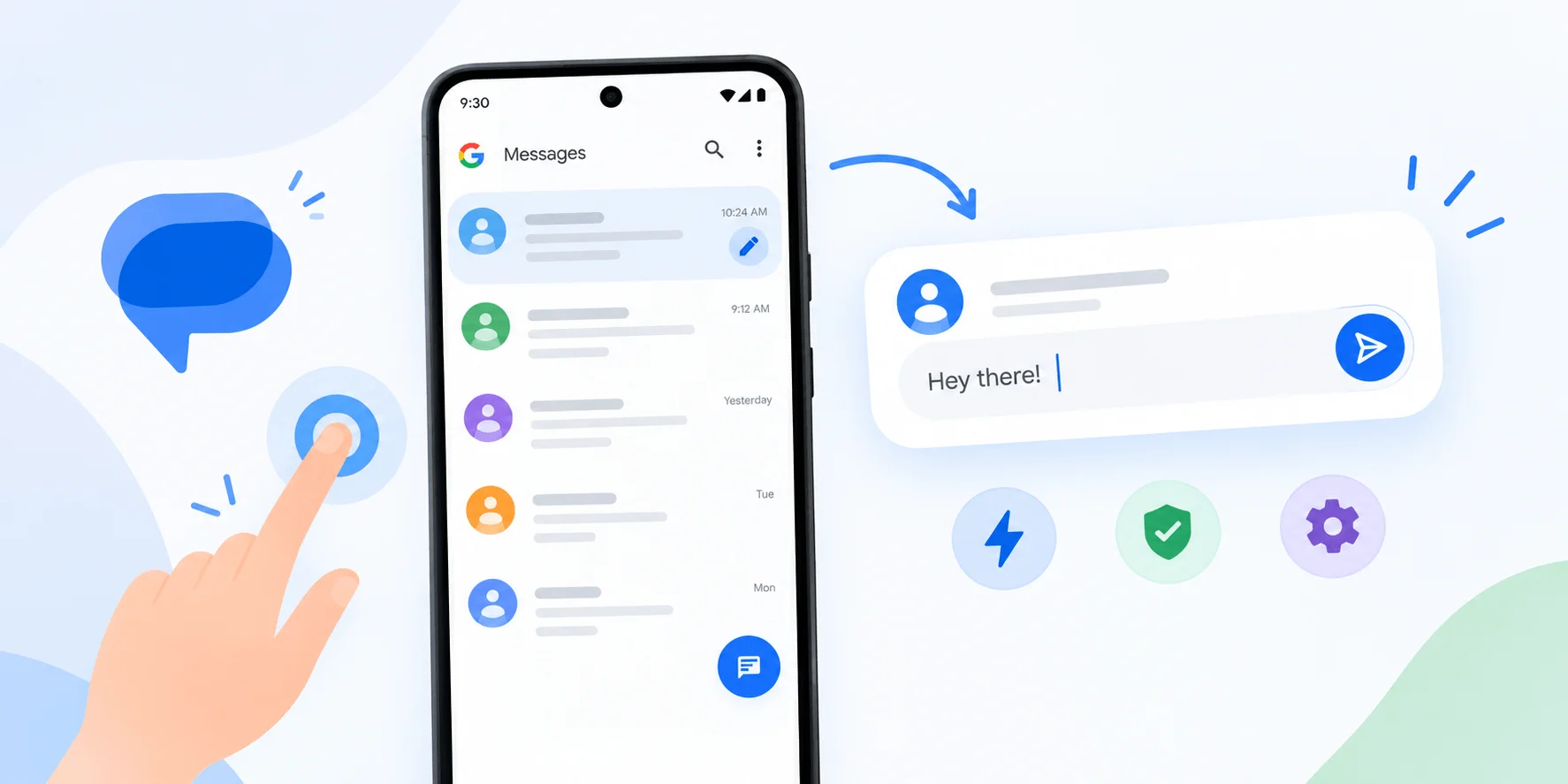
Let's break this down, because once you see it in action, it just clicks.
Step-by-Step: What Happens When You Tap a Reply
You get a text message.
Google Messages analyzes the conversation and shows you a few AI-generated reply suggestions.
You tap the one that fits.
Instead of sending instantly, that suggestion now loads into your compose field as an editable draft.
You review it. Maybe you add a word. Maybe you throw in an emoji. Maybe you delete the whole thing and type something else.
You hit Send — manually, on purpose, with full control.
That's it. That's the whole magic trick.
According to TechGenyz, this small pause turns Smart Replies from something automatic into something that feels more like a writing shortcut — a starting point rather than a final answer. And I think that distinction really matters.
Because let's be real: a short reply like "Sounds good" can land totally differently depending on tone, timing, and context. Giving yourself that extra edit window means you can personalize the reply before it goes out, instead of hoping the AI nailed the vibe on the first try.
Tap to Send vs. Tap to Draft: Side-by-Side
Here's the comparison in table form, since it's easier to scan than a wall of text:
Feature | Tap to Send (old default) | Tap to Draft (new option) |
|---|---|---|
What happens on tap | Message sends instantly | Message loads into compose box |
Editing window | None | Full edit before sending |
Risk of accidental sends | High | Low |
Speed | Fastest | Slightly slower, safer |
Default setting (as of mid-2026) | Yes | No — opt-in only |
As confirmed by Android Authority, Tap to Send remains the default setting even after the stable rollout. So if you want this extra layer of protection, you have to go flip the switch yourself — which brings me to the next part.
How to Enable Tap to Draft in Google Messages
Alright, let's actually turn this thing on. It only takes a few taps, I promise.
Setup Steps
Open Google Messages on your Android device.
Tap your profile icon (or the three-dot menu, depending on your app version) to pull up the settings menu.
Tap "Settings."
Find "Suggestions & Actions." This menu was recently renamed — it used to just be called "Suggestions." According to Sammy Fans, this rename happened right around the stable rollout, so if you're following an older guide and can't find the setting, this is probably why.
Locate the Smart Reply toggle. You'll see two options laid out clearly:
"Tap to Send: Tap Smart Replies to instantly send a message"
"Tap to Draft: Tap Smart Replies to update your message draft"
Switch it to Tap to Draft.
Test it out by tapping a Smart Reply suggestion — it should land in your compose box instead of sending immediately.
Don't See the Setting? Try This
If you've gone through the steps above and the toggle isn't there, it's probably a version issue, not a you issue. Here's what to check:
Update the app. Open the Play Store, search Google Messages, and hit update if one's available. You need at least stable build 20260522_00_RC00 to see this natively.
Check for beta access. If you're not on stable yet, joining the Google Messages beta program can get you early access to features like this.
Restart the app. Sometimes settings menus don't refresh until you force-close and reopen Messages.
Check your region/carrier. Feature rollouts on Google Messages are sometimes staggered, so it may simply take a few more days to reach your device.
When Did This Feature Roll Out? A Quick Timeline
January 2026 — Early reports from 9to5Google suggest Google is quietly working on a fix for accidental Smart Reply sends.
March 3, 2026 — The feature is first spotted in a Google Messages beta build, version 20260303_00_RC00.
May 22, 2026 — Tap to Draft rolls out to the stable channel, version 20260522_00_RC00.
June 2026 — Wider tech coverage picks up the story, with outlets like PhoneArena calling it a genuinely useful, "much-needed" change.
Why This Update Matters
A few quick reasons this small toggle is a bigger deal than it looks:
Trust drives adoption. When an AI feature risks embarrassing you, people stop using it. That's what was happening with Smart Replies before this update.
Google is choosing "AI as assistant" over "AI as autopilot." The suggestion proposes; you decide. That's the same philosophy behind predictive text.
It's a low-effort fix with high-impact results. One toggle. Zero new AI models. Meaningfully fewer accidental texts.
It signals a pattern worth watching. Expect more AI messaging tools to add similar "review before send" steps as AI-generated content becomes more common in everyday apps.
Tips for Getting the Most Out of Tap to Draft
Use it as a starting point, not a final answer. The Smart Reply might get you 80% of the way there — add the missing 20% yourself.
Add context the AI can't know — inside jokes, specific plans, emotional nuance.
Don't be afraid to delete and start fresh if the suggestion doesn't match your tone.
Layer on emojis, GIFs, or even a quick voice message since the draft sits in the compose box before sending, giving you room to mix formats.
Revisit your settings occasionally — Google tends to reshuffle menu names, so it's worth checking back if a setting seems to have moved.
Frequently Asked Questions
Is Tap to Draft on by default?
No. As of the stable rollout, Tap to Send is still the default behavior. You have to manually switch to Tap to Draft in Settings.
What Android version or Google Messages build do I need?
You'll need at least stable build 20260522_00_RC00 of Google Messages to see Tap to Draft without joining the beta program.
Where exactly is the setting located?
Settings > Suggestions & Actions > the Smart Reply toggle, where you'll choose between Tap to Send and Tap to Draft.
Does Tap to Draft slow down texting?
Only slightly — you add one extra tap (Send) compared to before. Most users find the trade-off worth it for the reduced risk of accidental sends.
Can I switch back to Tap to Send anytime?
Yes. It's a toggle in the same settings menu, so you can switch back and forth whenever you want.
Does this affect other Android messaging features?
No — Tap to Draft only changes Smart Reply behavior. Other messaging features, like checking voicemail on Android, work exactly the same as before.
Final Thoughts
At the end of the day, Google Messages Tap to Draft is one of those updates that doesn't scream for attention, but quietly makes your everyday texting experience a little safer and a lot more personal.
If you've ever cringed after an accidental Smart Reply send, this is Google fixing that exact problem for you. It takes less than a minute to turn on, so there's really no reason not to give it a shot.
Go check your Suggestions & Actions settings, flip that toggle, and see how it feels. You might find that a few extra seconds of review makes your texts feel a whole lot more you.