A voice message to text tool is exactly what busy people need in 2026. Long voice notes pile up fast, and nobody has time to replay a five-minute clip just to catch one detail. This tool uses speech recognition and automatic transcription to turn spoken audio into clean, readable words in seconds. Whether it comes from WhatsApp, voicemail, or a recorded meeting, the process stays simple: upload, transcribe, and export. No installs, no learning curve, no wasted time. If you've ever wished you could just read a voice note instead of listening to it, this guide walks you through exactly how that works, and why it's become one of the most useful tools for students, professionals, and everyday phone users alike.
Transcribe Voice Messages to Text in Seconds
You know the feeling. A friend sends a three-minute voice note. You are on a bus, or in a meeting, or just too tired to press play. That is exactly why a voice message to text tool exists. It takes any spoken message and turns it into clean, readable words in seconds, not minutes.
Our voice to text converter works with almost any source. Drop in a WhatsApp clip, a voicemail, or a recorded meeting. The tool listens, processes the audio transcription, and hands you back a finished text file. No app download. No waiting around. Just upload your file and click start.
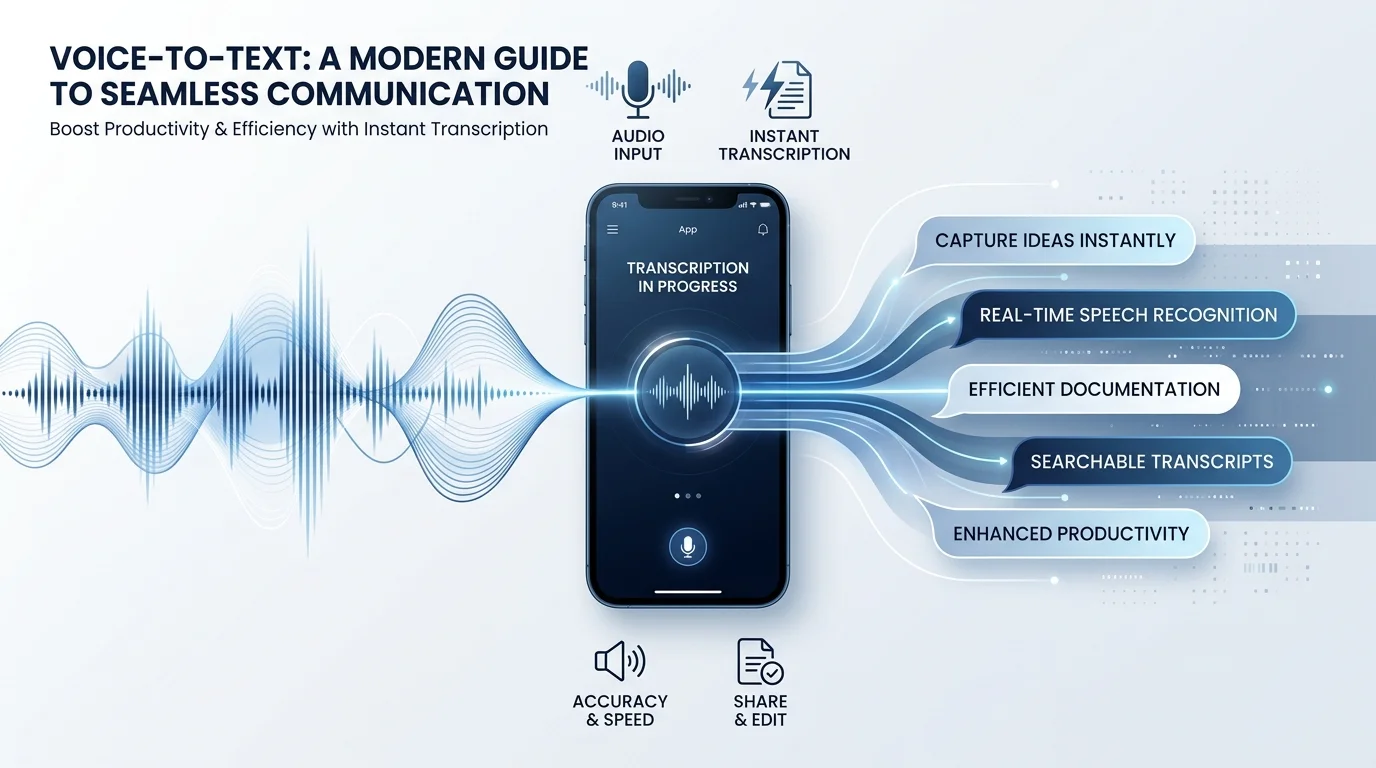
How to Convert Voice Messages to Text
Turning speech into text should not feel technical. That is the whole point of a good speech to text tool. The process below takes three simple steps, and most users finish in under a minute for short clips.
Think of it like a mail sorter. Your audio goes in one end, gets read by an AI, and comes out the other end as organized text. Below is a quick table showing what happens at each stage. For a deeper walkthrough, check out our full audio transcription guide.
Step | What Happens | Time Needed |
|---|---|---|
Upload | You add a WhatsApp, WeChat, Telegram, or voicemail file | A few seconds |
Transcribe | AI listens and converts speech into text | Seconds to a few minutes |
Export | You edit, copy, or download the result | Instant |
Upload your voice message (WhatsApp, WeChat, Telegram, voicemail, etc.)
Start by uploading your file. The tool accepts clips from WhatsApp, WeChat, Telegram, and standard voicemail recordings. You can drag the file straight from your phone or computer. There is no need to convert the format first, since the system reads common audio types automatically.
Let AI transcribe the audio
Once uploaded, the speech recognition AI takes over. It listens closely, breaks the message into words, and applies automatic transcription rules for punctuation and spacing. This is where automatic speech recognition (ASR) does the heavy lifting, so you do not have to type a single word.
Edit, download, or export the text
After the transcript appears, you get full control. Fix a misheard word, adjust spacing, or reformat a sentence using the built-in transcript editor. When you are happy with it, export the file as TXT, DOCX, PDF, or even SRT for captions.
Why Use Our Voice Message to Text Tool
Voice notes are quick to send but slow to consume. Reading is almost always faster than listening, especially when a message runs long. A voice message to text converter solves that mismatch, giving you back control over your own time.
There is also a quieter benefit. Text does not need sound. You can read a transcript on a train, during a call, or in a library without disturbing anyone. That flexibility is why more people are switching from pure voice typing apps to full transcription tools.
Save time and effort
A five-minute voicemail takes five minutes to listen to properly. Reading the same message as text takes under a minute. That gap adds up fast if you deal with dozens of messages a week.
Improve accessibility
Not everyone can rely on audio. People with hearing difficulties, or those in loud environments, benefit hugely from accessibility tools like this one. Text removes the barrier that sound alone creates.
Boost workflow and productivity
Searchable text beats unsearchable audio every time. You can scan a transcript for a keyword in seconds. Try doing that with a recording, and you will be stuck replaying it over and over.
Never miss important details
Audio is easy to mishear, especially with background noise or unclear accents. A written transcript removes the guesswork. If someone says a date or an address, you can read it back exactly instead of relying on memory.
Key Features
A strong voice to text tool needs more than basic transcription. It needs range, accuracy, and flexibility. Below is what sets a genuinely useful transcription service apart from a bare-bones one.
Good tools also think about editing and export, not just the initial conversion. The features below cover both ends of that process, from raw speech-to-text engine output to a polished, ready-to-share file.
99+ languages and accents
Multi-language transcription support means the tool understands more than just standard English. With accent recognition built in, it can handle regional speech patterns, from Southern drawls to fast-talking city accents, without losing accuracy.
High accuracy AI transcription
Transcription accuracy depends on audio clarity and background noise. Clean recordings usually produce near-perfect results. Even in tougher conditions, the AI adjusts and still delivers a readable, usable transcript.
Speaker identification / timestamps
For interviews or meetings, knowing who said what matters. Speaker diarization labels each voice separately, while speaker timestamps mark exactly when each line was spoken. This is essential for legal, journalistic, or business recordings.
Support for multiple audio/video formats
Whether your file is MP3, WAV, MP4, FLAC, or OGG, the tool reads it without extra conversion steps. It also handles video to text conversion, pulling spoken dialogue straight out of video files.
Editable, exportable transcripts
Once your transcript is ready, export it in the format you need. Choose TXT, DOCX, PDF, JSON, VTT, SRT, or HTML depending on whether you need plain text, captions, or structured data for a developer project.
Where You Can Use It
A voice message to text tool is not just for one type of user. Students, business owners, journalists, and everyday phone users all run into the same problem: too much audio, not enough time to listen. Below are the most common ways people put this tool to work.
Each use case shares one thing in common. Someone needed spoken words turned into something they could read, search, or share quickly. That single need covers a surprisingly wide range of daily situations.
WhatsApp voice notes
Long WhatsApp voice notes are notorious for testing patience. Converting them to text lets you skim the message instead of sitting through every pause and "um." For a full walkthrough, see our guide on how to transcribe WhatsApp voice messages to text.
Voicemail transcription
Business voicemails pile up fast. Voicemail transcription turns them into a readable inbox, so you can scan messages the same way you scan email.
Meeting and interview recordings
Journalists, researchers, and HR teams often need accurate written records. Combined with meeting notes style formatting, a transcript becomes a reliable reference instead of a forgotten recording.
Voice memos and dictation
Writers, students, and busy professionals often think out loud. A dictation notepad style workflow turns those spoken ideas into text instantly, ready for editing or filing away. Students especially benefit from tools built for lecture recordings, like our AI transcription tool for students.
Pricing / Plans
Cost matters just as much as accuracy. Most people want a free transcription tool for occasional use, with the option to upgrade once their needs grow. A clear, honest pricing structure builds trust, and it should never bury fees in fine print.
Below is a simple breakdown of what a fair pricing model typically looks like across free, premium, and developer-focused tiers. If you want to compare more free options first, our roundup of the best free transcription software online is a good place to start.
Plan | Best For | Typical Pricing Model |
|---|---|---|
Free plan | Occasional users, short clips | $0, limited minutes per month |
Premium plan | Frequent users, longer files | Low monthly fee, no ads |
API / Developer plan | Businesses, app integrations | Pay-as-you-go pricing, billed per minute |
Free plan
The free tier usually covers short recordings and casual use. It is a solid starting point if you only transcribe the occasional voicemail or voice note. You can even try a free audio to text converter with no signup if you want to test things out first.
Premium/API pricing
Premium plans remove limits and speed up processing. For developers, SDK/developer integration options let you plug transcription directly into your own app or website.
Compare plans
Before upgrading, compare what each tier actually includes. Look at file length limits, export formats, and whether API & webhooks integration is available for automation.
Trusted by Millions of Users Worldwide
Numbers tell their own story. Tools that handle voice transcription at scale often serve millions of users across dozens of countries, processing everything from short voice notes to hour-long interviews. That kind of volume only holds up when accuracy stays consistent.
As one long-time user put it, "I stopped replaying voicemails the day I found a proper voice message to text tool. It just reads them for me now." Reviews across major platforms consistently praise speed, ease of use, and reliability, which is exactly what keeps people coming back. Curious how we stack up against other options? See our comparison of Audiototextify vs Otter AI.
More Tools & Features You Might Need
Transcription rarely happens in isolation. Most people who convert audio to text also need related tools nearby, like a note-taking app for organizing transcripts or a PDF editor for cleaning up exported files.
Look for a platform that also offers text-to-speech conversion, AI rewriting, diagram creation, and Google Drive/YouTube integration. Having these tools in one place saves you from juggling five different apps for one workflow. You can browse all our guides and tool comparisons on the Audiototextify blog.
Frequently Asked Questions
Is voice to text available on all phones?
Yes, most modern Android and iPhone devices include built-in voice to text features, and dedicated apps extend that support even further.
How to convert audio to text for free?
Upload your audio file to a free voice message to text tool online and get an instant transcript, with no signup required.
How do I send a voice message as a text?
Record your voice message, run it through an AI transcription tool, then copy and paste the resulting text into your messaging app.
Can ChatGPT turn audio into text?
Yes, ChatGPT can transcribe audio when paired with speech recognition features, though dedicated transcription tools usually deliver faster and more accurate results.
Read more: Audio to Script Converter: Free Transcription Tool